- DOWNLOAD (single or multiple images):
Select the desired thumbnail image(s). Tap the Download icon.
A window appears and displays the total number of files, the download time, and the
total size of the download. Tap on the ‘Confirm download’ option to download the
selected video(s) or tap ‘Cancel’ to exit the menu without downloading.
- CANCEL:
Tap ‘Cancel’ to return to the Thumbnail View – without selected images.
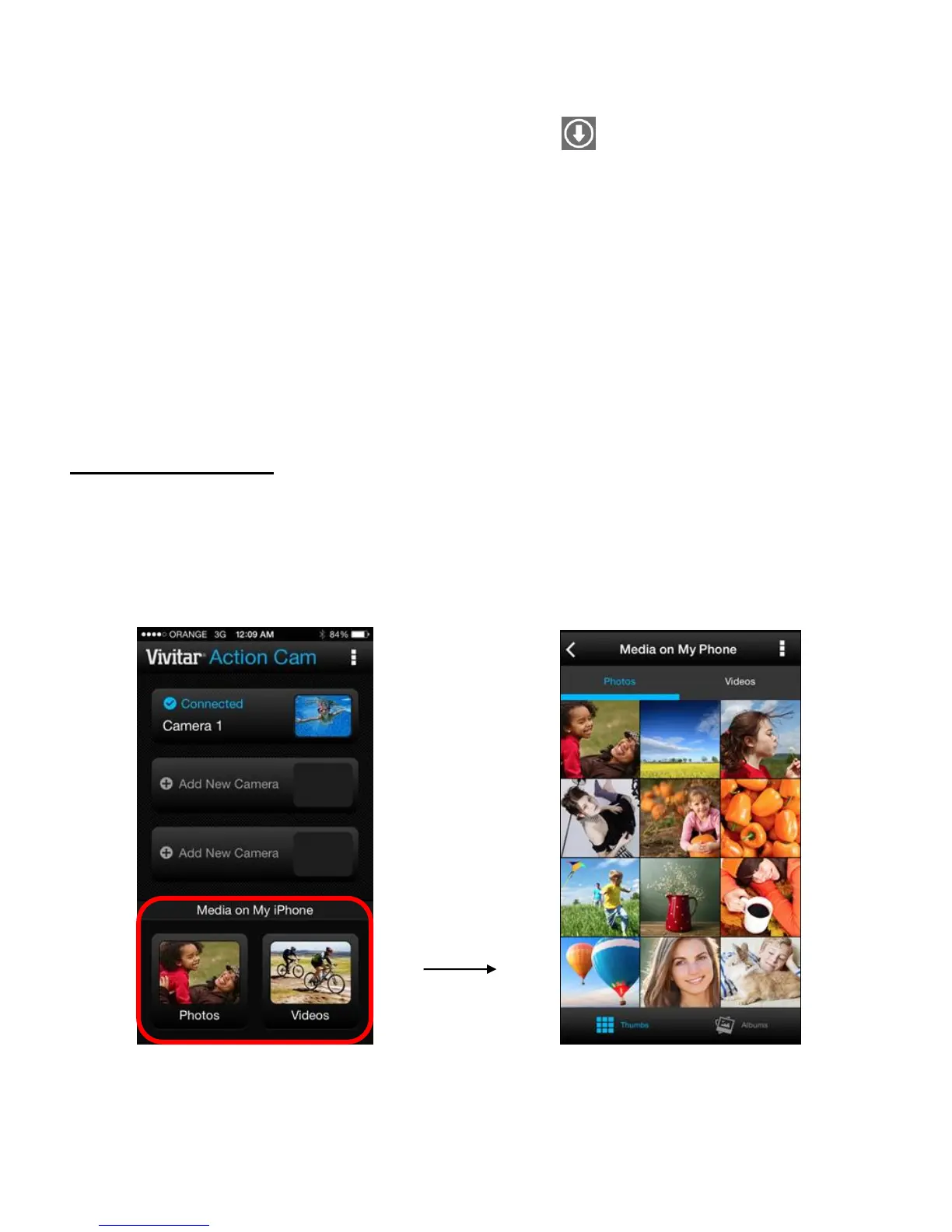
Media on My Phone
Tap on Photos or Videos from the Home screen to open the Media on My Phone screen to view
the photos and videos on your mobile device.



 To Next Page