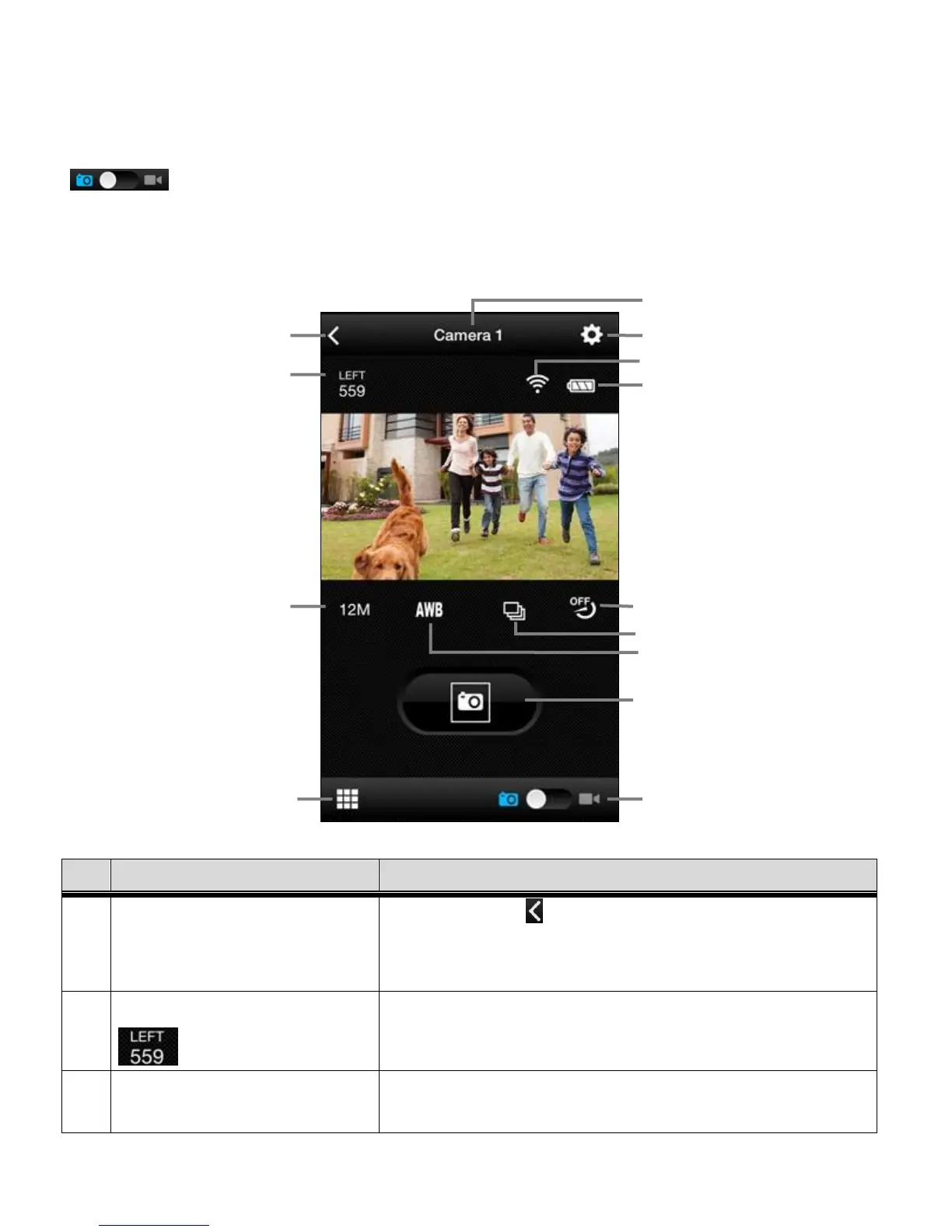
PHOTO CAPTURE MODE
After tapping and selecting your connected camera, the default mode is the Video Capture Mode.
To change to Photo Capture Mode, slide the Switch Mode indicator to the Photo icon.
The application is in Live Camera Mode and you can now begin capturing your images.
iPhone: Tap the Back icon to return to the Home
screen. Android: Tap the back button on the phone to
return to the apps Home screen.
Displays the amount of photos available to capture.
Displays the current selected Photo Resolution.
Tap the icon to change resolution.















 To Next Page