Initial Camcorder Setup
CHARGING THE BATTERY
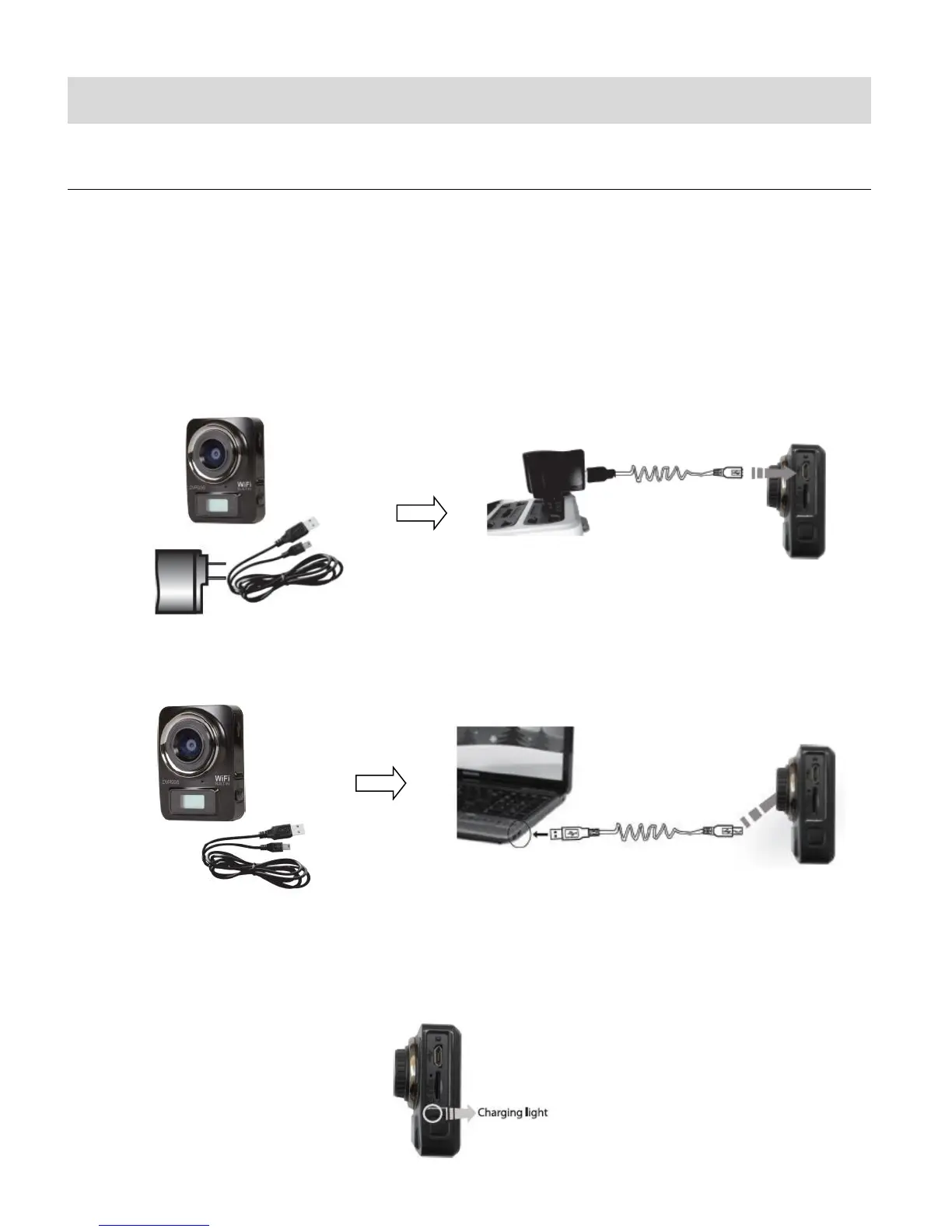
To charge the lithium battery:
1. Power off the camcorder.
2. Connect the included USB cable to the camcorder and connect the other end of the cable
to a power source such as the included AC charger or to a computer.
Please refer to the images shown below for reference.
CHARGING USING THE AC CHARGER:
CHARGING USING THE COMPUTER:
3. During the time the camcorder is charging, the LED status indicator light (blue) is on.
When the battery is fully charged the LED status indicator light turns off. The battery
generally fully charges within 2-4 hours.















 To Next Page