TO POWER OFF THE CAMCORDER:
1. Press and hold the Power button for about 3 seconds.
2. The LCD displays “Goodbye” and a sound can be heard from the camcorder’s speaker.
ENERGY SAVE:
Your camcorder also has an auto power off feature that will automatically turn off your camcorder
after a specific period of time that your camera is left idle. The auto power off settings can be set
from the Power Save settings menu.
USING THE CAMCORDER
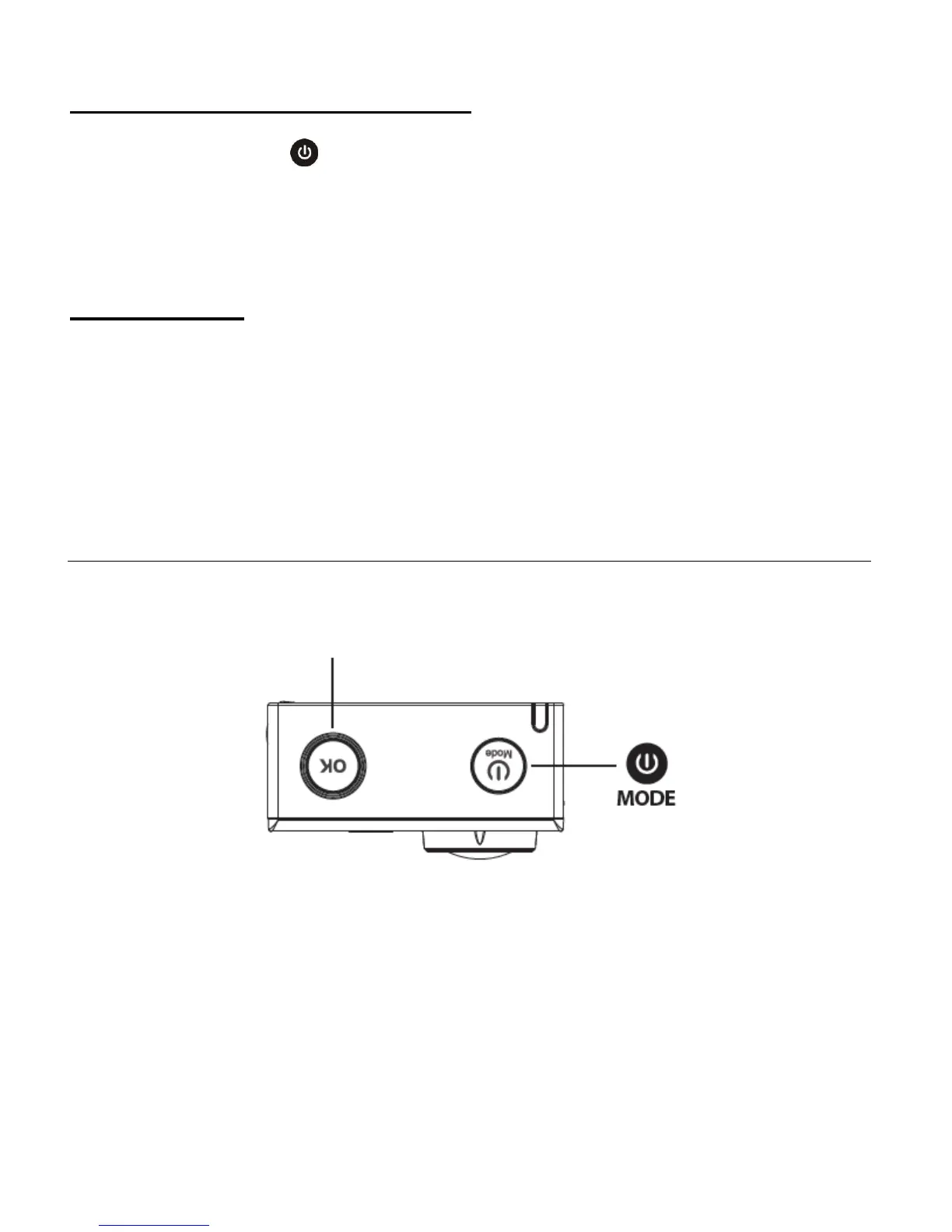
Press the MODE button to
select the mode.
Press the Shutter/OK button to capture
your videos and photos.



 To Next Page