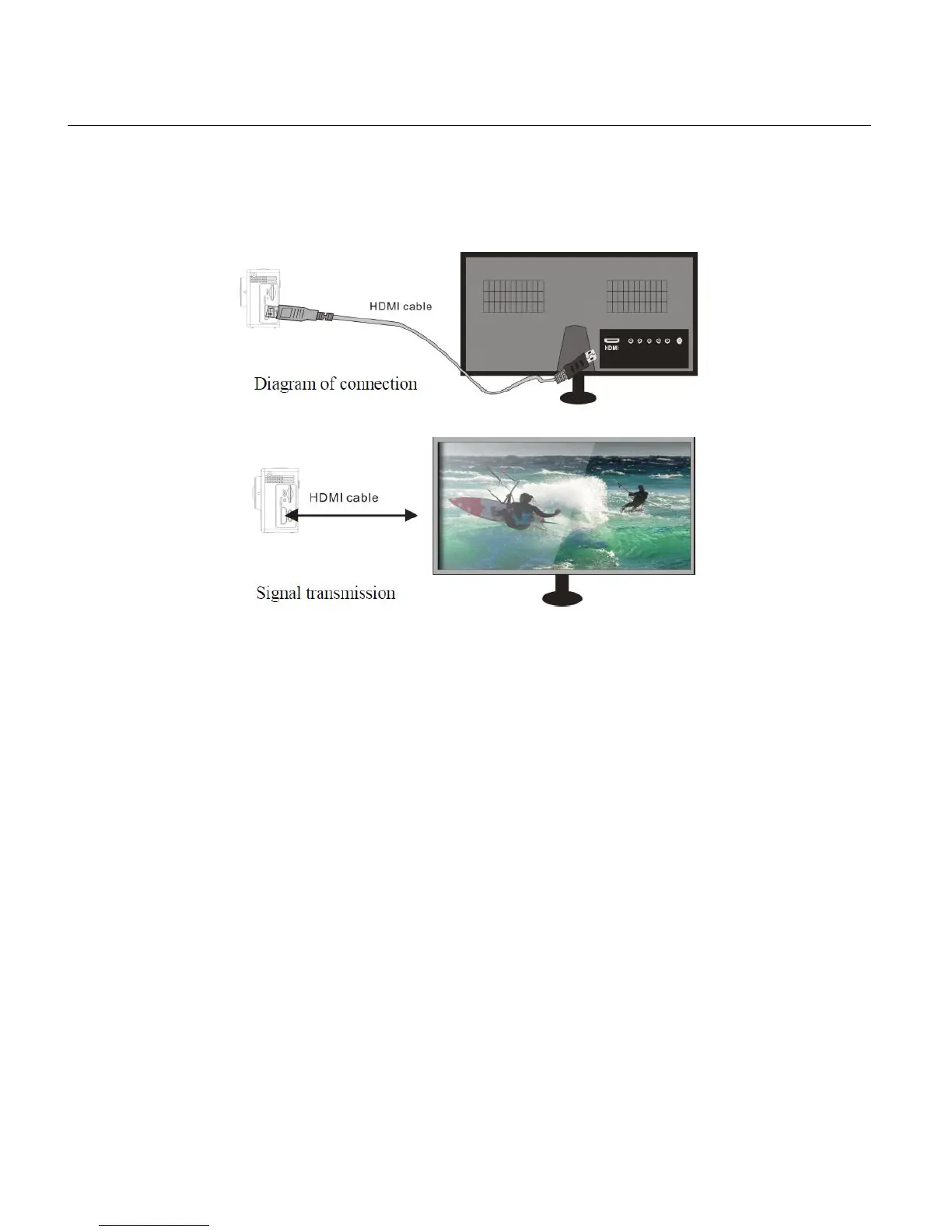
PLAYBACK MODE: HDTV
Connect the video camera to an HDTV with a HD cable as shown in the following figure, display
signals in the camera will be output into the HDTV automatically, and you can browse HD videos
and photos that are recorded or taken in the HDTV. HDMI cable sold separately.
NOTE: Before connecting or removing the HDMI cable, first stop video recording, playback and
disconnect Wi-Fi.
1. Power on your camcorder and the HDTV.
2. When HDTV is connected, the camcorder enters the Playback Mode.



 To Next Page