Initial Camcorder Setup
INSTALLING AND CHARGING THE BATTERY
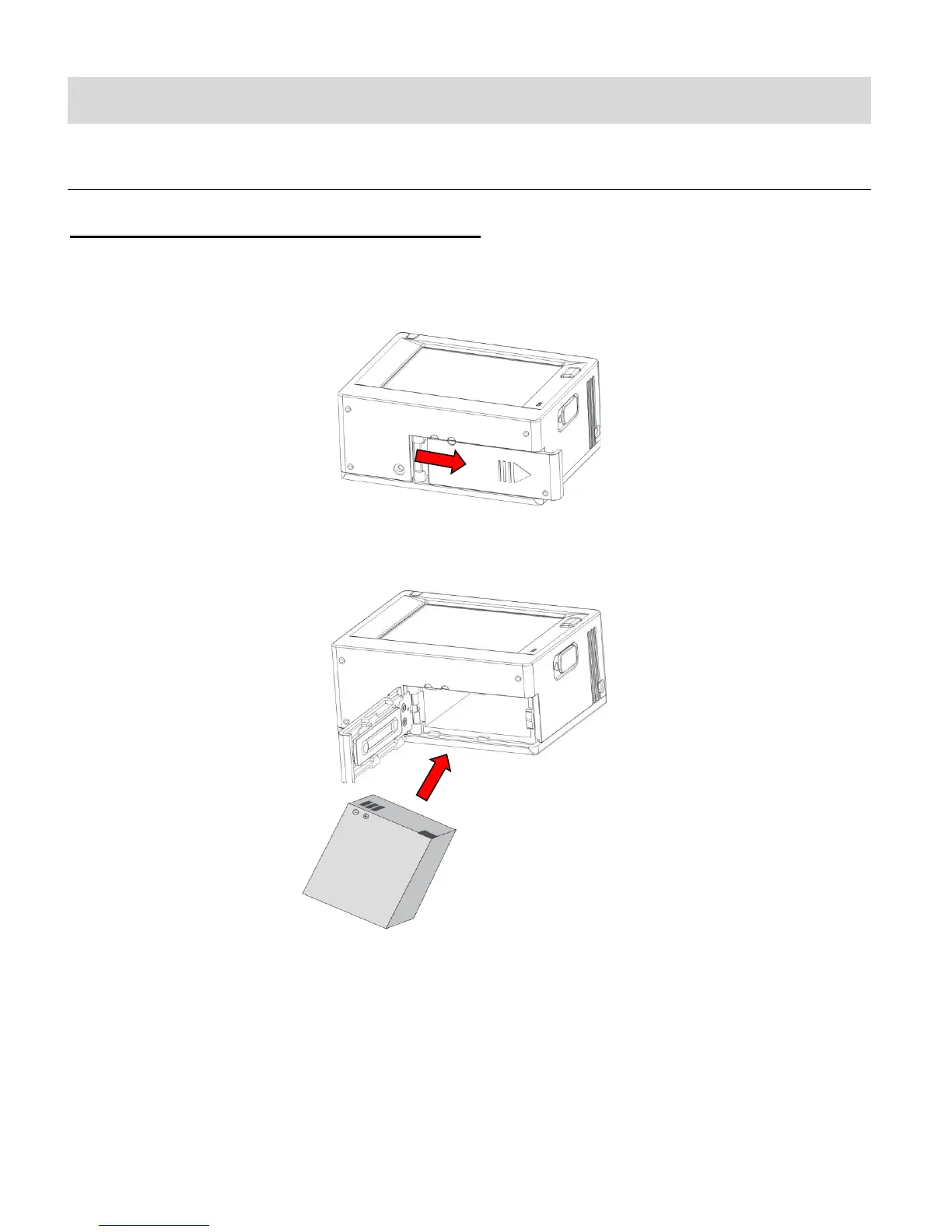
TO INSTALL THE LITHIUM BATTERY:
1. If the camera is inside the waterproof casing, please take it out of the casing.
2. Push and hold the battery cover lever up to the unlock/open position, until it flips open.
3. Insert the battery into the battery compartment as shown. Make sure to place the battery
according to the correct polarity as shown inside the battery compartment.
4. Close the battery cover.



 To Next Page