video in Regular or Slow Motion video record, the TIME
LEFT changes to ELAPSED TIME, which displays the
recording time and the recording signal.
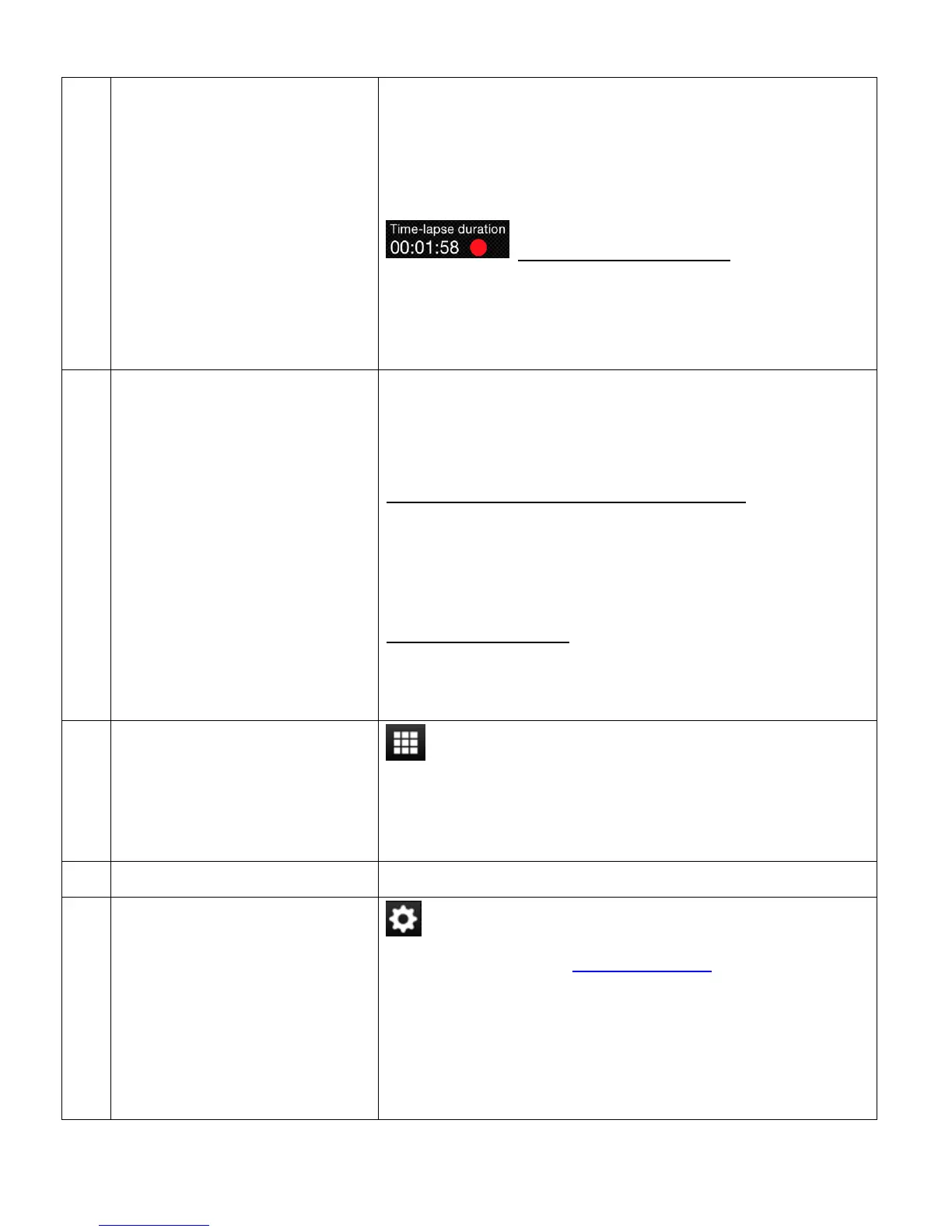
TIME-LAPSE DURATION: During the
recording of your Time-lapse video, the TIME LEFT
changes to Time-lapse duration, which displays the
duration of the time-lapse as it is being recorded.
VIDEO RESOLUTION
SETTINGS
Displays the current selected Video Resolution.
Tap the Video Resolution icon to change resolution setting.
The Video Resolution settings include:
REGULAR VIDEO/SLOW MOTION VIDEO:
QHD 1440P 30fps, FHD 1080P 60fps,
FHD 1080P 30fps (Default), HD 720P 120fps,
HD 720P 60fps
TIME-LAPSE VIDEO:
FHD 1080P 60fps, FHD 1080P 30fps (Default),
HD 720P 120fps, HD 720P 60fps
PLAYBACK MODE
(Displays images captured
by camera.)
Tap the Playback Mode icon to open Playback Mode
and view thumbnails of the captured videos and photos
from your camera.
Displays the name of the connected camera.
Tap the Camera Settings icon to display the Camera
Settings options. See ‘Camera Settings’ for more details.
The Camera Settings options include: Frequency, Date
Stamp. Camera information, Change Camera
password, Format storage, and Time-Lapse settings
(Type, Interval, Duration).



 To Next Page