EasyManua.ls Logo

Vivitar DVR 944HD - App Photo Capture Mode; App Photo Capture Process

Vivitar DVR 944HD
88 pages
Print Icon
To Next Page IconTo Next Page
To Previous Page IconTo Previous Page
Loading...
60
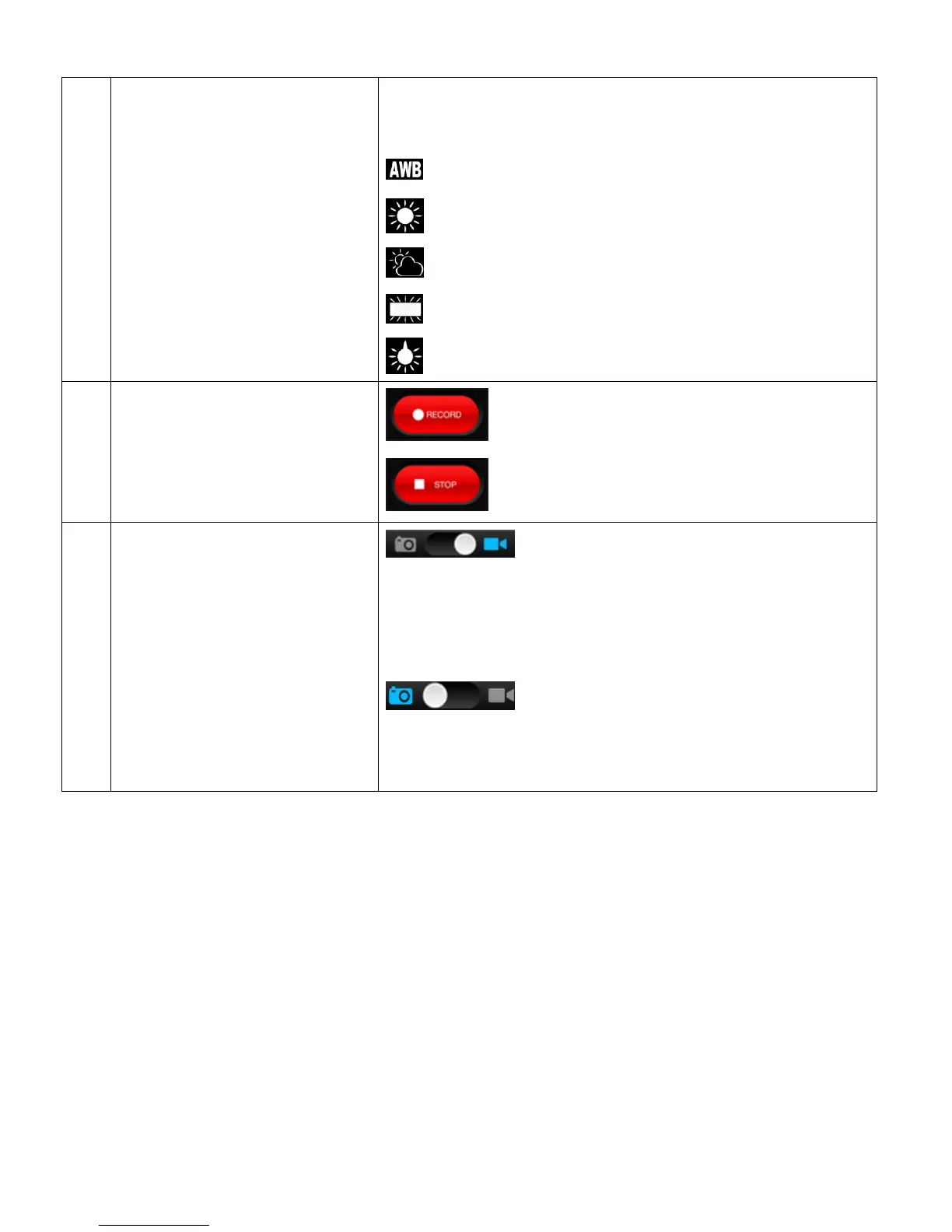
Balance icon to open a menu that displays the list of
setting options. The White Balance settings include:
AUTO (Default)
DAYLIGHT
CLOUDY
FLUORESCENT
INCANDESCENT
13
SHUTTER BUTTON
START AND STOP VIDEO
CAPTURE
Tap the Record button to start recording a video.
Tap the Stop button to stop recording the video.
14
SWITCH MODES
Slide the mode indicator to the Video icon
to switch to Video Capture Mode. The default mode when
launching the Vivitar Action Cam app is Video Capture
Mode.
Slide the mode indicator to the Photo
icon to switch to Photo Capture Mode.
NOTE: The selected Mode is shown in blue.

Related product manuals