3. PLAYBACK MODE
The Vivitar Action Cam application can playback the following captured media:
Media on Your Camera:
The media captured using your Vivitar Action Cam and saved to your camera’s memory card.
Media on Your Mobile Device:
Media captured using your smartphone/tablet and saved to your mobile device.
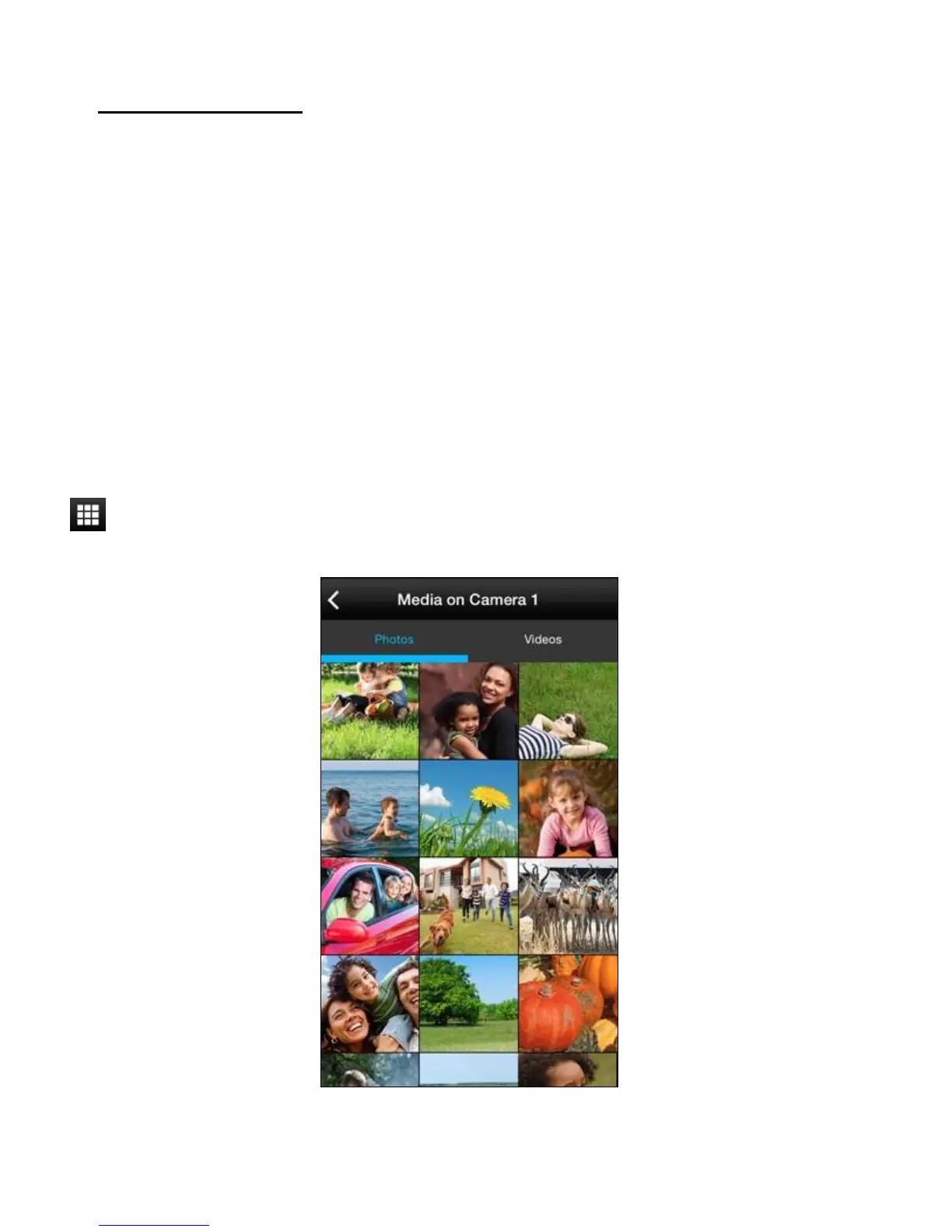
MEDIA ON ‘MY CAMERA (CAMERA NAME APPEARS)’
The photos and videos that have been saved to the camera’s micro SD Memory Card, either from
being captured using the Vivitar Action Cam application or the media you have previously
captured using your camera can be viewed, deleted, downloaded or shared in Playback Mode.
Tap the Playback icon in the Live Camera Mode to open the Media on ‘My Camera’ screen.



 To Next Page