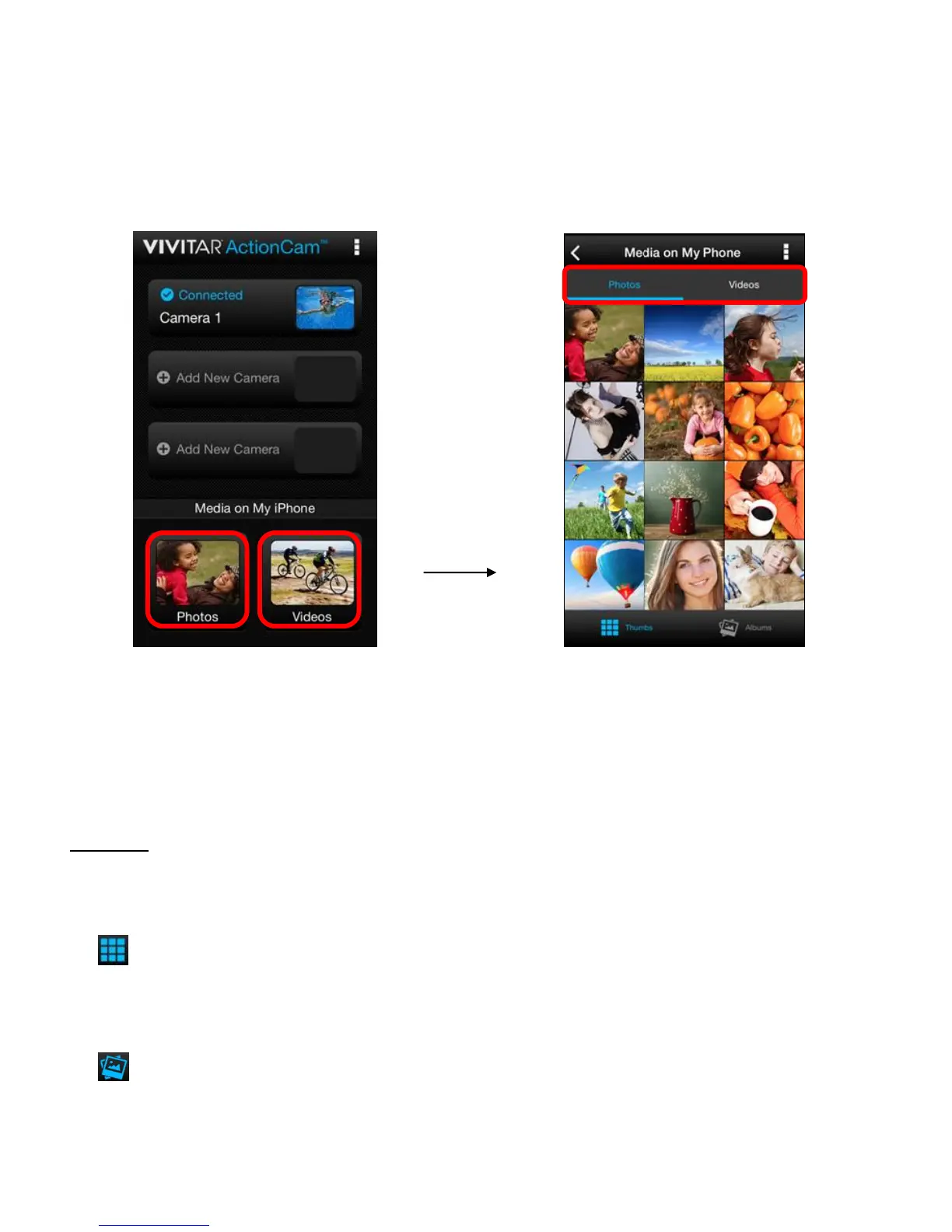
MEDIA ON MY PHONE (NAME OF YOUR MOBILE DEVICE)
Tap on Photos or Videos from the Home screen to open the Media on My Phone screen to view
the photos and videos saved on your mobile device.
PHOTOS
Select the Photos tab to view the photos on your mobile device.
The following options appear in the Thumbnail view:
THUMBS VIEW: Tap Thumbs to view thumbnails of the photos on your mobile device.
This is the default view when selecting ‘Photos’ from the Home screen.
ALBUMS VIEW: Tap Albums to open the Albums list view.



 To Next Page