VIVOTEK
16 - User's Manual
Software Installation
13. Install the
Shepherd
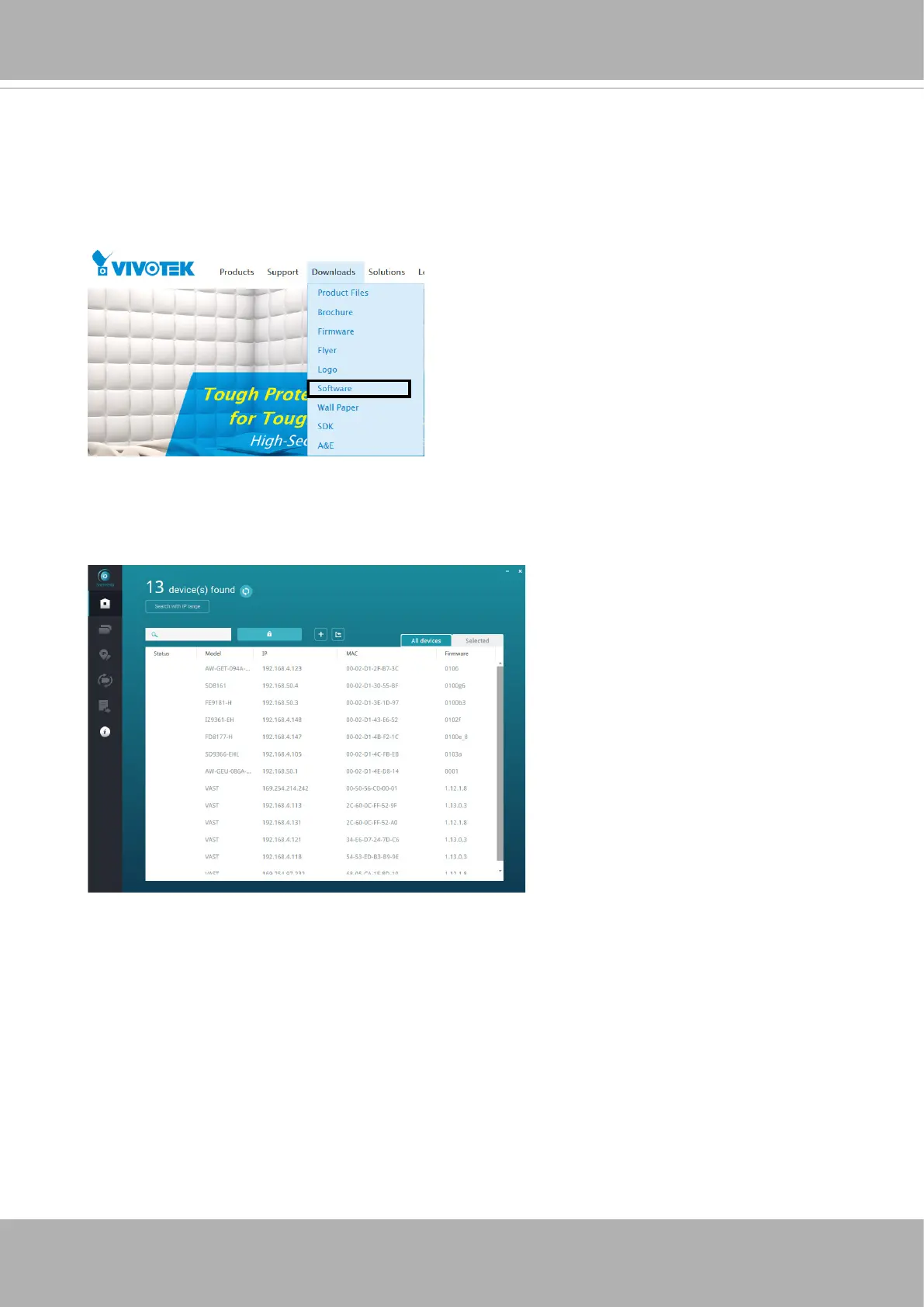
utility, which helps you locate and congure your Network Camera
in the local network. If your camera comes without the CD, go to VIVOTEK’s website,
and locate the utility in the Downloads > Software page.
13-1. Run the Shepherd utility.
13-2. The program will conduct an analysis of your network environment.















 To Next Page