- 27 -
www.vivotek.com
If you want to expand to allow in more viewers, the host server should be able to
handle large network traffic, which must handle the picture refreshing from the
Network Camera.
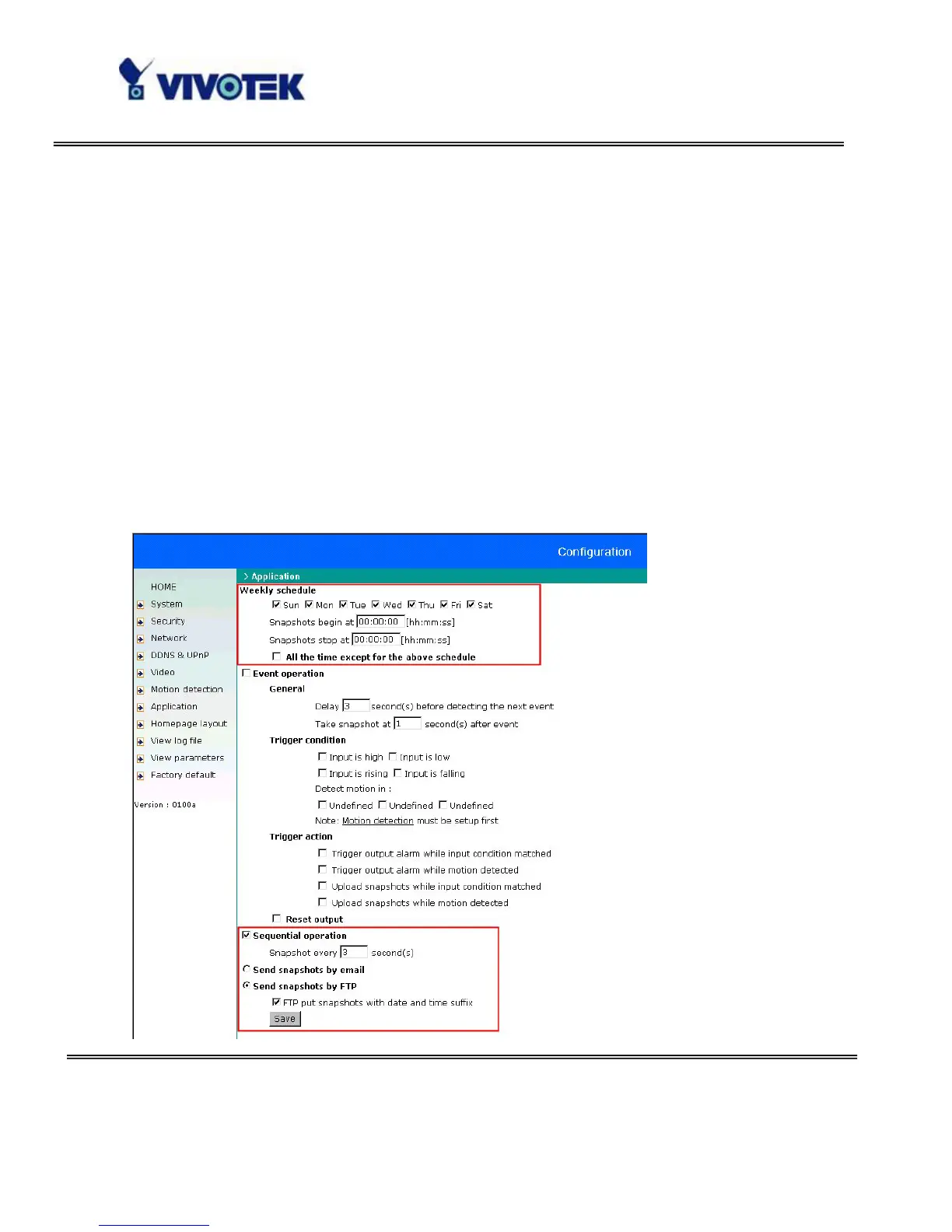
If the web space has FTP service,
Set the Network Camera as an FTP client to upload the pictures. The access to the
Network Camera will be independent of the number of viewers and the picture quality
will remain constant.
1. Click on “Configuration” on homepage,
2. Click on “Network” at the left column,
3. Fill the FTP related settings including server, user name and password, as well as the
upload path if specified by the web space,
4. Click on save and wait for system restart,



 To Next Page