Keep the Network Camera away
from water. If the Network Camera
becomes wet, power off immediately.
Refer to your user's manual for the
operating temperature.
Power off the Network Camera as
soon as smoke or unusual odors are
detected.
Do not place the Network Camera
around heat sources, such as a
television or oven.
Keep the Network Camera away from
direct sunlight.
Do not place the Network Camera in
high humidity environments.
Warning Before Installation
Do not place the Network Camera on
unsteady surfaces.
Do not touch the Network Camera
during a lightning storm.
Do not disassemble the Network
Camera.
Do not drop the Network Camera.
1
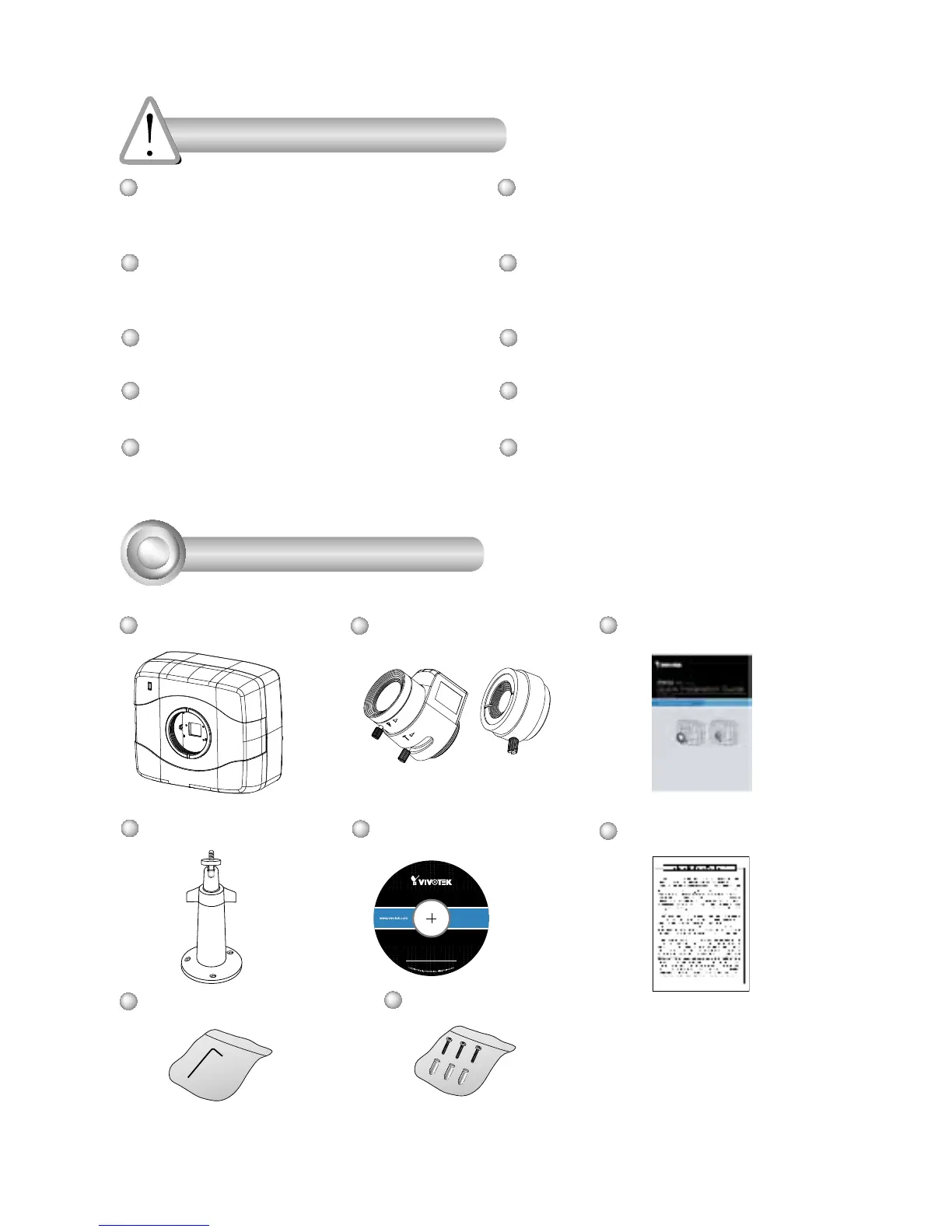
Package Contents
IP8152
CS-mount Lens
Camera Stand
Quick Installation Guide
Warranty Card
Software CD



 To Next Page