VIVOTEK
User's Manual - 83
E-PTZ Operation
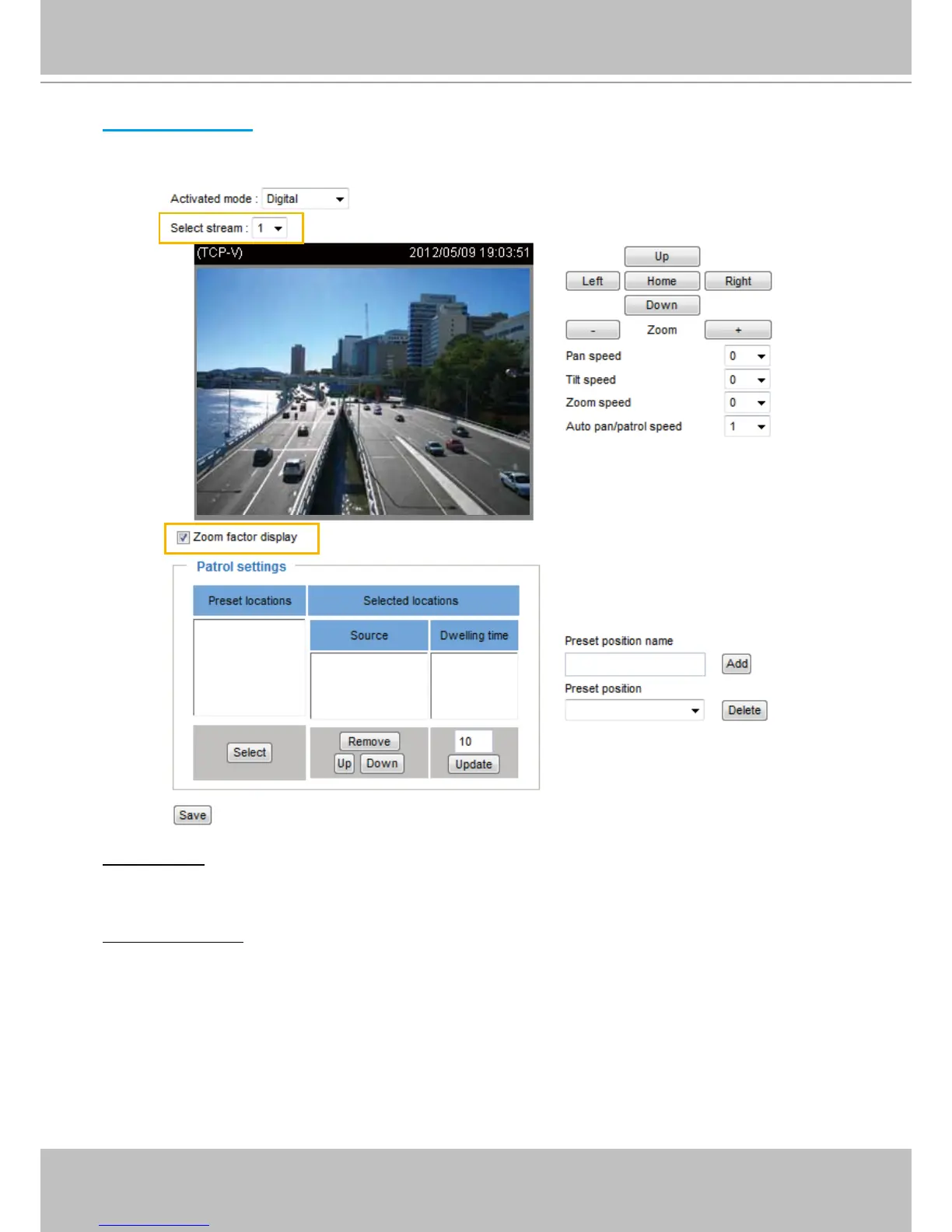
If you select “Digital“, the e-PTZ control settings section will be displayed as shown below:
Select Stream: Select one of the stream 1~3 to set up the e-PTZ control. Please note that each stream
can be set up with its own e-preset positions and e-patrol settings. For detailed information about
how to set up Preset Positions and Patrol Settings, please refer to page 79.
Zoom factor display
If you check this item, the zoom indicator will be displayed on the home page when you zoom in/out the
live viewing window as the picture shown on the next page.
When completed with the e-PTZ settings, click Save to enable the settings on this page.



 To Next Page