VIVOTEK
User's Manual - 69
■ Sharpness:
Adjust the image sharpness level, which ranges from -3 to +3.
You can also select
Customize
and manually enter a value.
■ Gamma curve: This function is for user to
select a proper gamma curve value to adjust the gray-scale of
the monitor.
■ Enable low light compensation: Select this option in low light mode, and the values of sharpness and
brightness will change automatically as the noise reduction function.
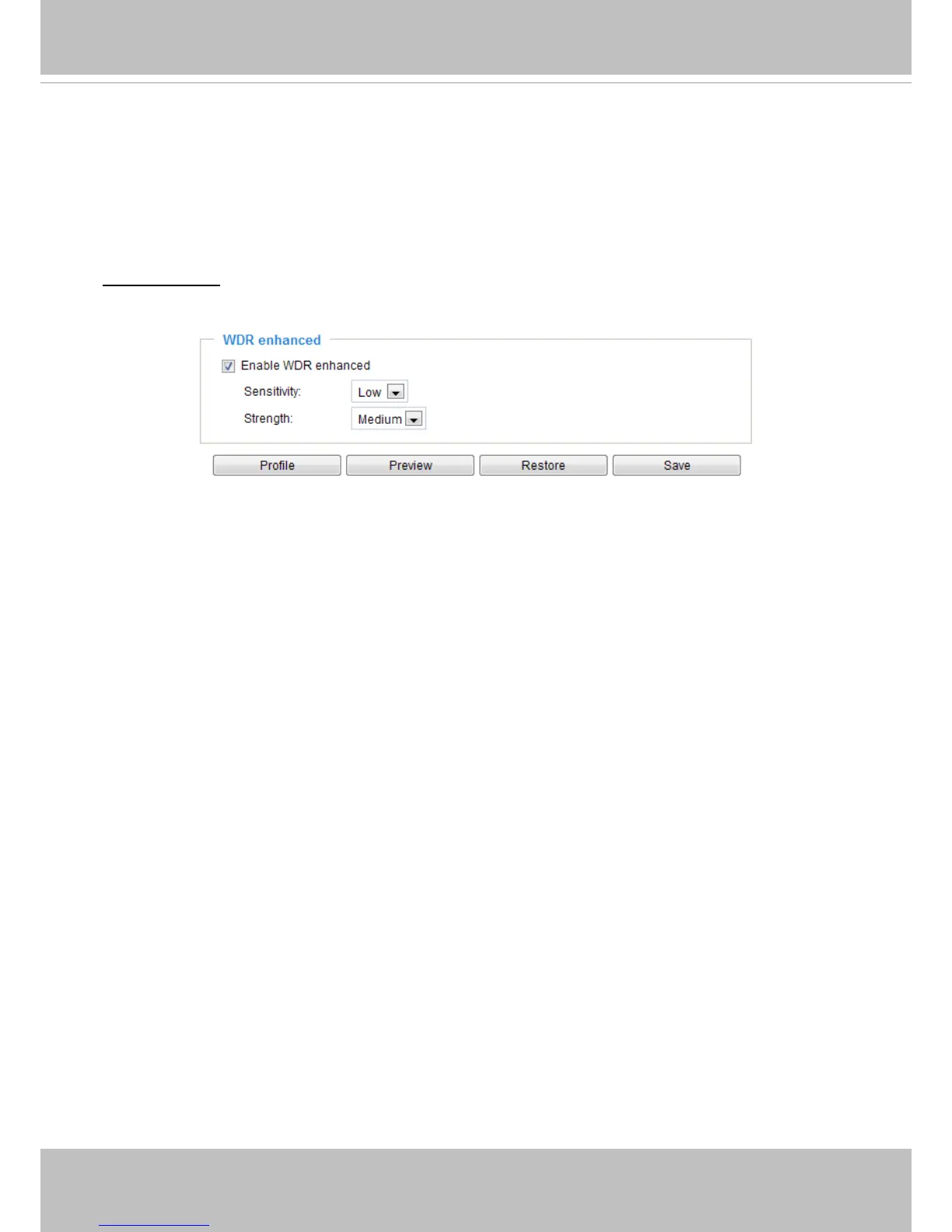
WDR enhanced:
This function allows users to identify more image details in extremely bright or dark
environments. You may check
Enable WDR enhanced
, and then adjust the sensitivity (low, high) and the
strength (low, medium, high) to reach the best image quality.
You can click
Preview
to fine-tune the image, or click
Restore
to recall the original settings without
incorporating the changes. When completed with the settings on this page, click
Save
to enable the
setting.



 To Next Page