- 49 -
www.vivotek.com
Application settings
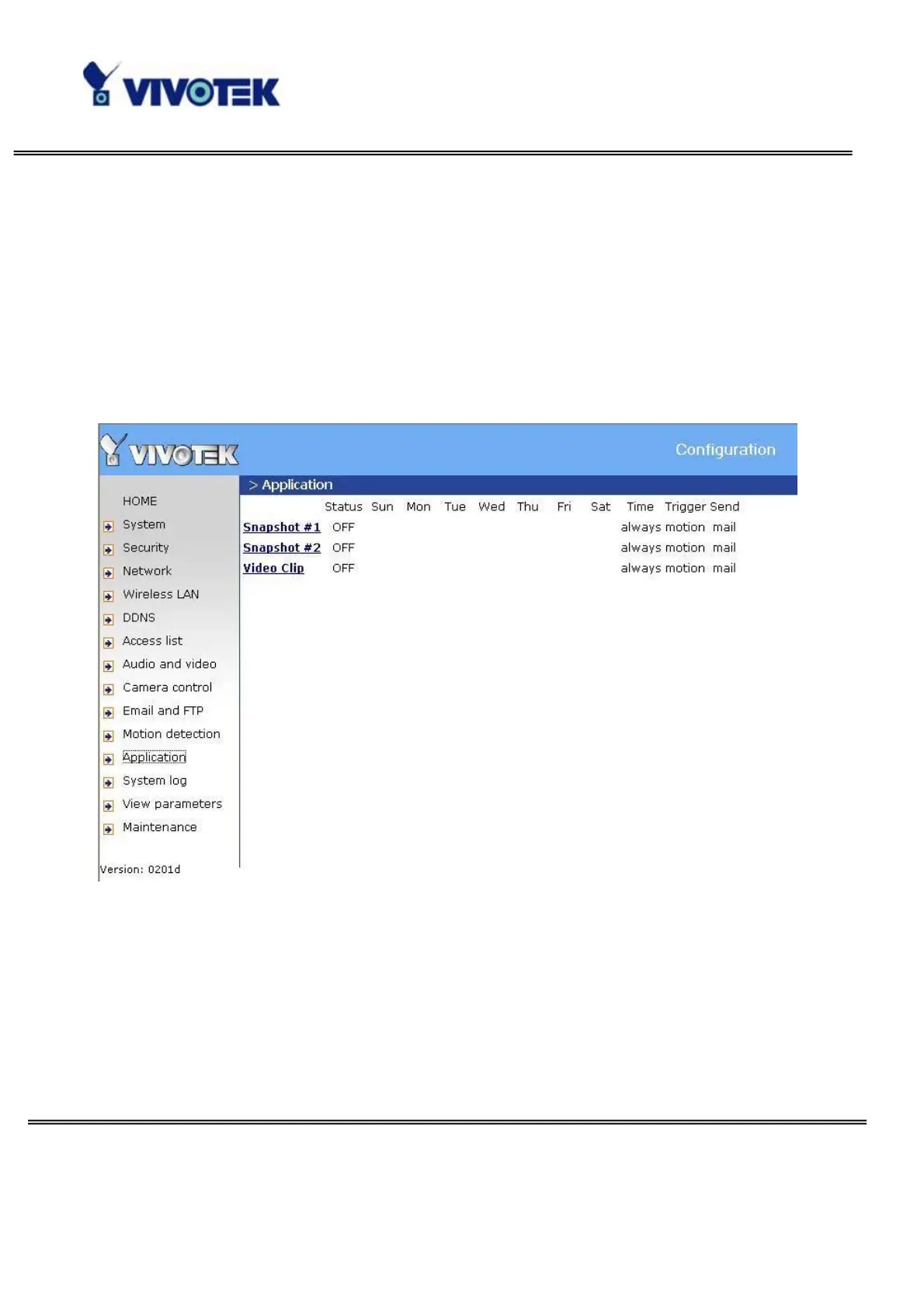
The server provides two kinds of applications, snapshot and videoclip. There are two
independent snapshot items to set, and they are named as Snapshot #1 and Snapshot
#2. The status, schedule, trigger condition, and action of three applications are
summaried in the application page. The user can click on Snapshot #1, Snapshot #2 or
Video Clip to enter the detail setting page.
Snapshot
“Enable snapshot” Enable/Disable snapshot application.



 To Next Page