English - 11
2
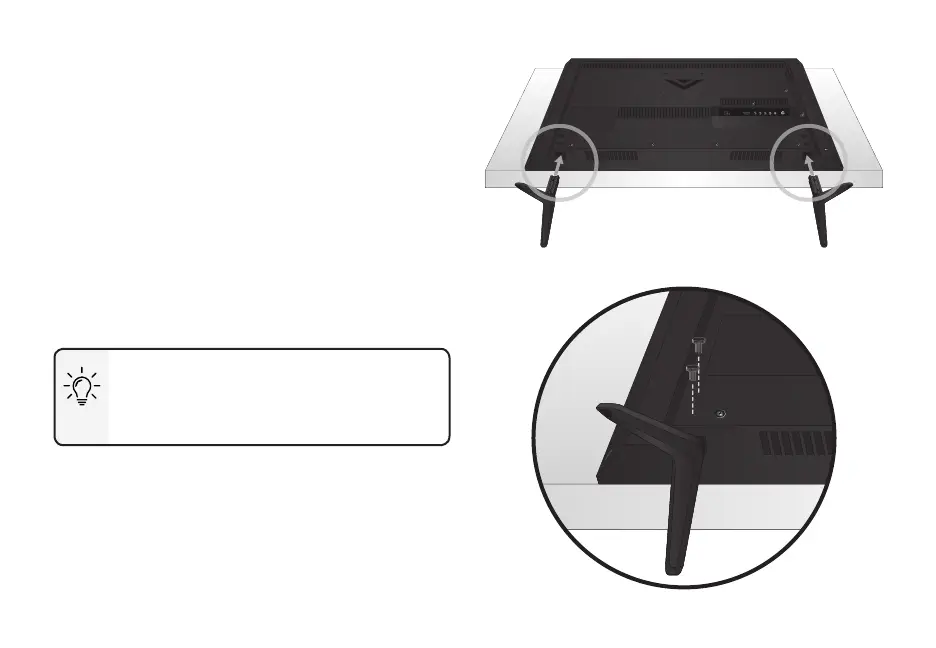
Insert the stands into the base of the TV.
Secure each stand to the TV by inserting and
tightening the two (2) included Phillips screws.
When you are nished, place the TV on a stable,
level surface.
To ensure proper ventilation, leave at
least 1” of space between the back of the
TV and any other objects, like walls.
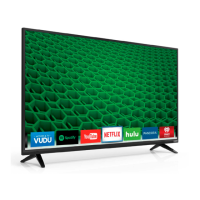
Note: The image shown here is for illustrative purposes only and may be subject to change.
The actual number of ports and their locations may vary, depending on the model.



 To Next Page