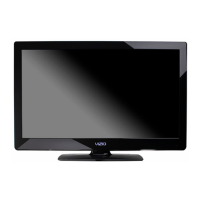
INSTALLING THE BASE
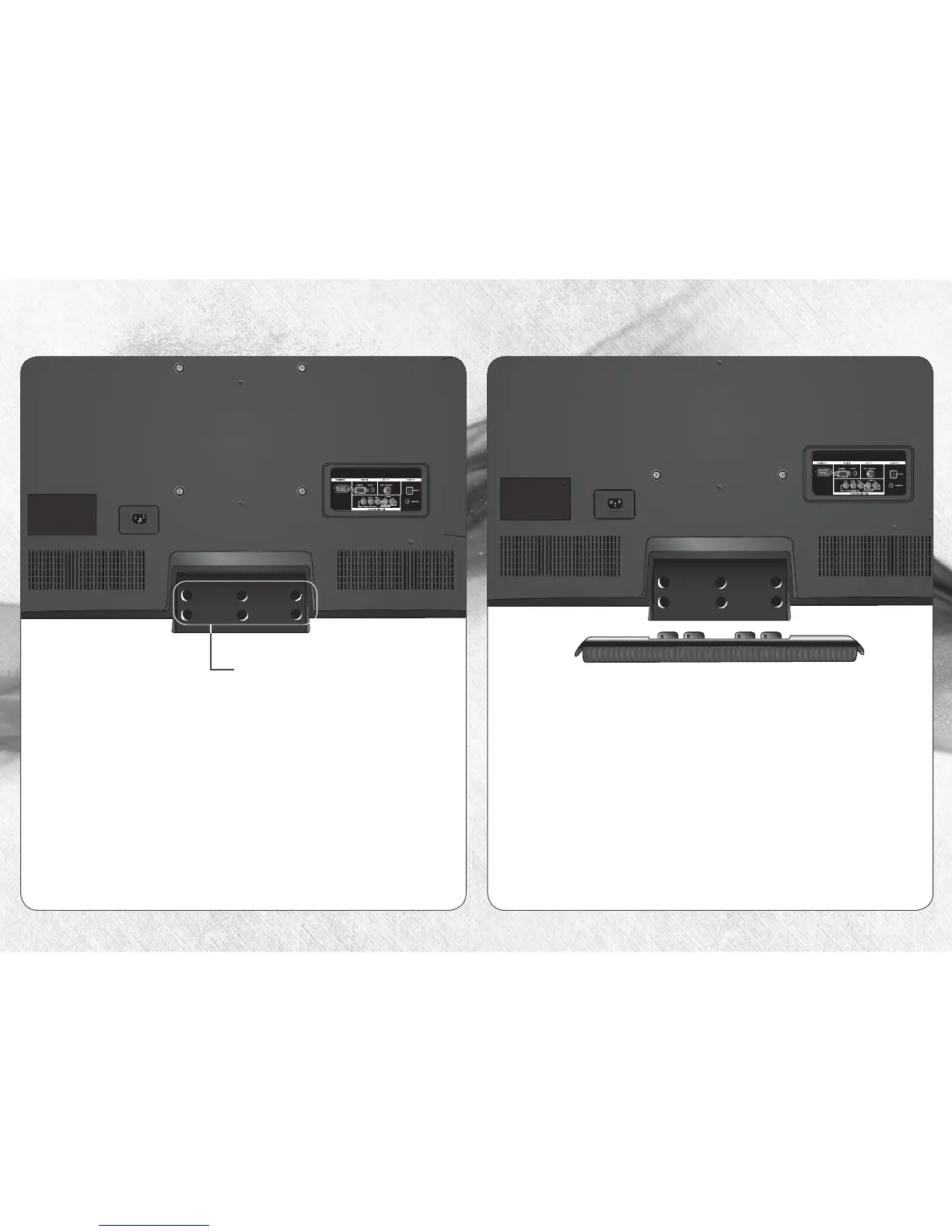
1
Place the TV screen-down on a clean, flat surface. To
prevent scratches or damage to the screen, place the
TV on a soft surface, such as carpet, rug, or blanket.
2
Align the base with the stand neck.
Attach the stand neck by
inserting and tightening the 6
included hex screws.



 To Next Page
 Loading...