2
12
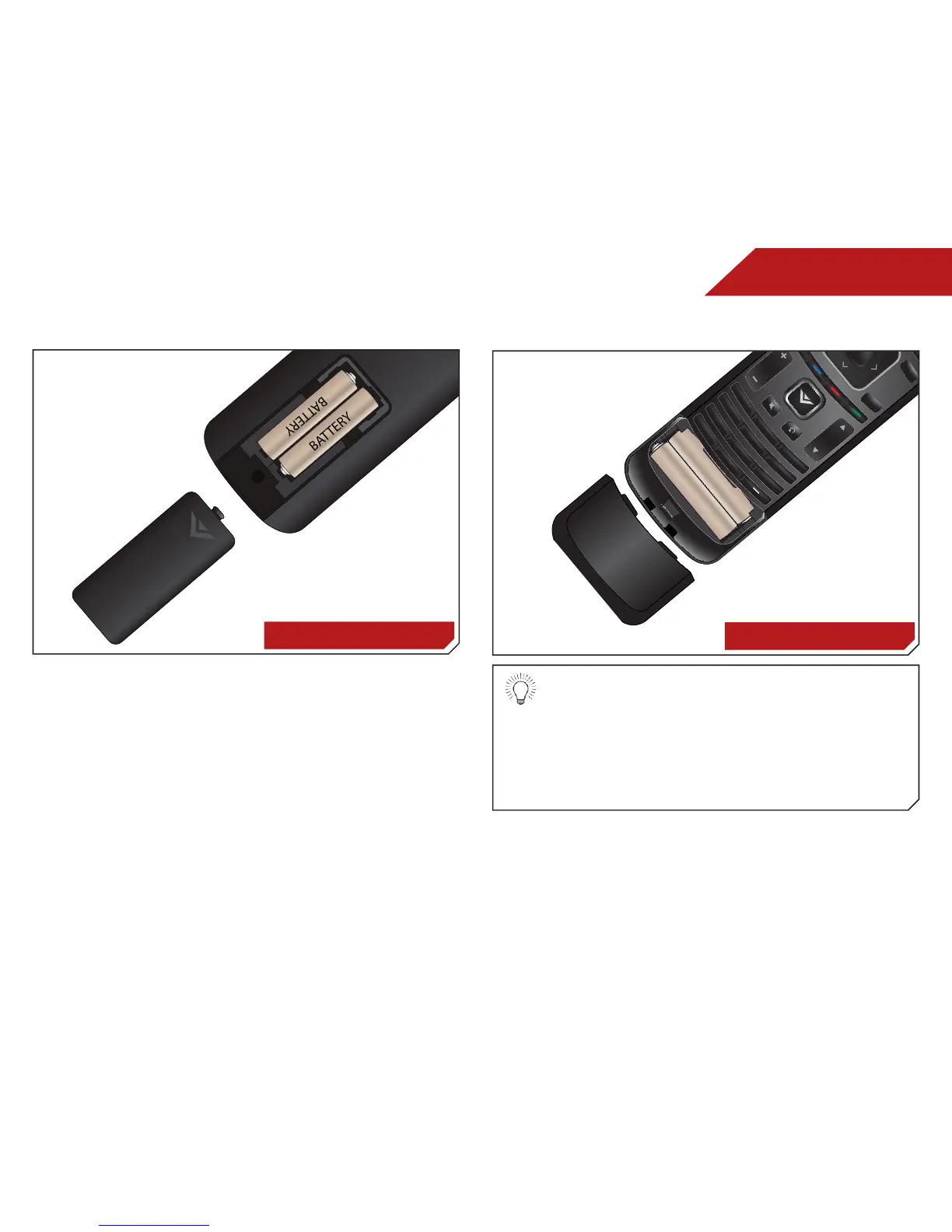
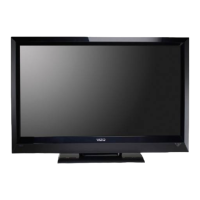
Replacing the Batteries
E3D320VX
1. Remove the battery cover.
2. Insert two batteries into the remote control. Make sure that
the (+) and (-) symbols on the batteries match the (+) and
(-) symbols inside the battery compartment.
3. Replace the battery cover.
E3D420VX, E3D470VX
• Use only good quality batteries.
• Inserting the batteries incorrectly may result in
cracking or leakage that may cause a fire or
result in injury.
• Dispose of old or dead batteries in accordance
with local hazardous waste regulations.
• Keep batteries away from children and pets.


 To Next Page