1
16
Replacing the Batteries
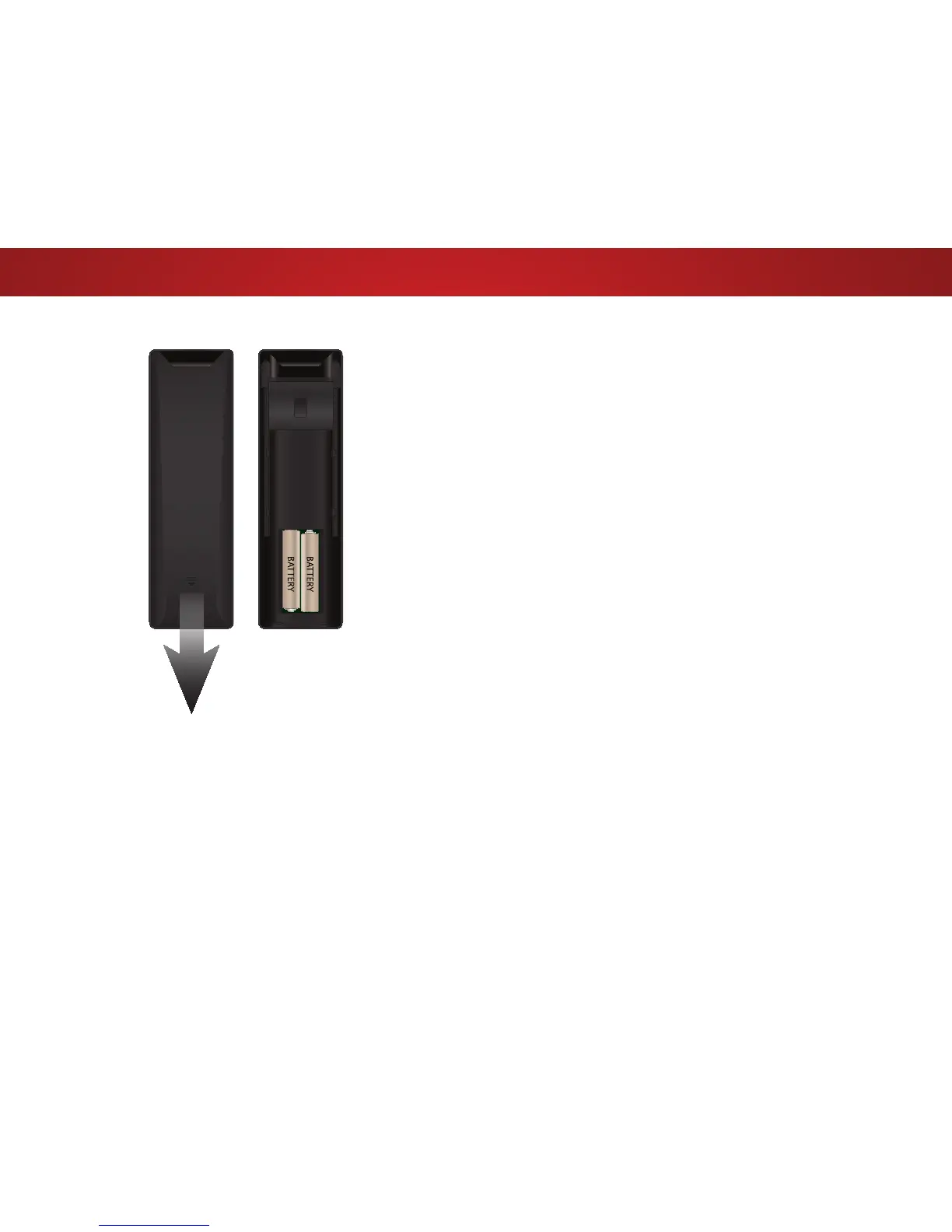
1. To remove the battery cover,
press on the logo and slide the
cover out.
2. Insert two batteries into the
remote control. Make sure that
the (+) and (-) symbols on the
batteries match the (+) and
(-) symbols inside the battery
compartment.
3. Replace the battery cover.



 To Next Page