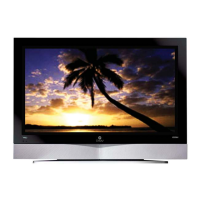
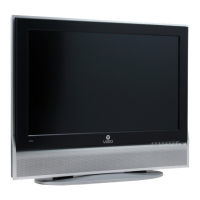
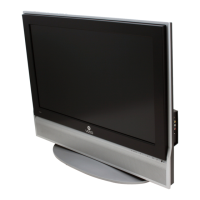
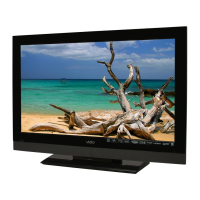
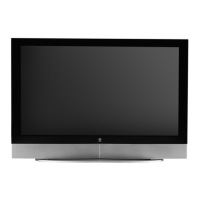
VIZIO L42 HDTV User Manual
Version 6/26/2006 1
www.VIZIOCE.com
Dear VIZIO Customer,
Congratulations on your new VIZIO L42 High
Definition LCD Television purchase. Thank you
for your support. For maximum benefit of your set,
please read these instructions before making any
adjustments, and retain them for future reference.
We hope you will experience many years of
enjoyment from your new VIZIO L42 High
Definition Television.
For assistance, please call 714-668-0588 or e-
mail us at
techsupport@vinc.com.
To purchase or inquire about accessories and
installation services for your VIZIO LCD HDTV,
please visit our website at
www.vizioce.com or
call toll free at 888-VIZIOCE (888-849-4623).
We recommend you register your VIZIO L42
HDTV either at our website
www.vizioce.com or
fill in your registration card and mail it in. For
peace of mind and to protect your investment
beyond the standard warranty, VIZIO offers on-
site extended warranty service plans. These
plans give additional coverage during the
standard warranty period. Visit our website or call
us to purchase a plan.
Write down the serial number located on the back
of your L42.
A
S L __ __ __ __ __ __ __ __ __ __ __
Purchase Date _____________________
VIZIO is a registered trademark of V, Inc.
TruSurround XT, SRS and symbol are trademarks of SRS Labs, Inc.
TruSurround XT technology is incorporated under license from SRS Labs, Inc.
HDMI logo and “High Definition Multimedia Interface” are registered trademarks of HDMI Licensing LLC.
"DCDi by Faroudja" is a registered trademark of Genesis Microchip Inc.


 To Next Page
 General