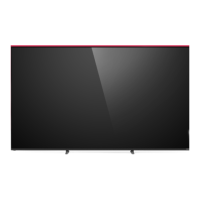
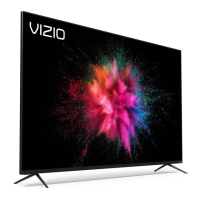
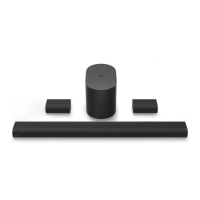
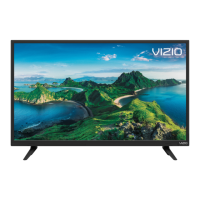
What’s Inside the Box
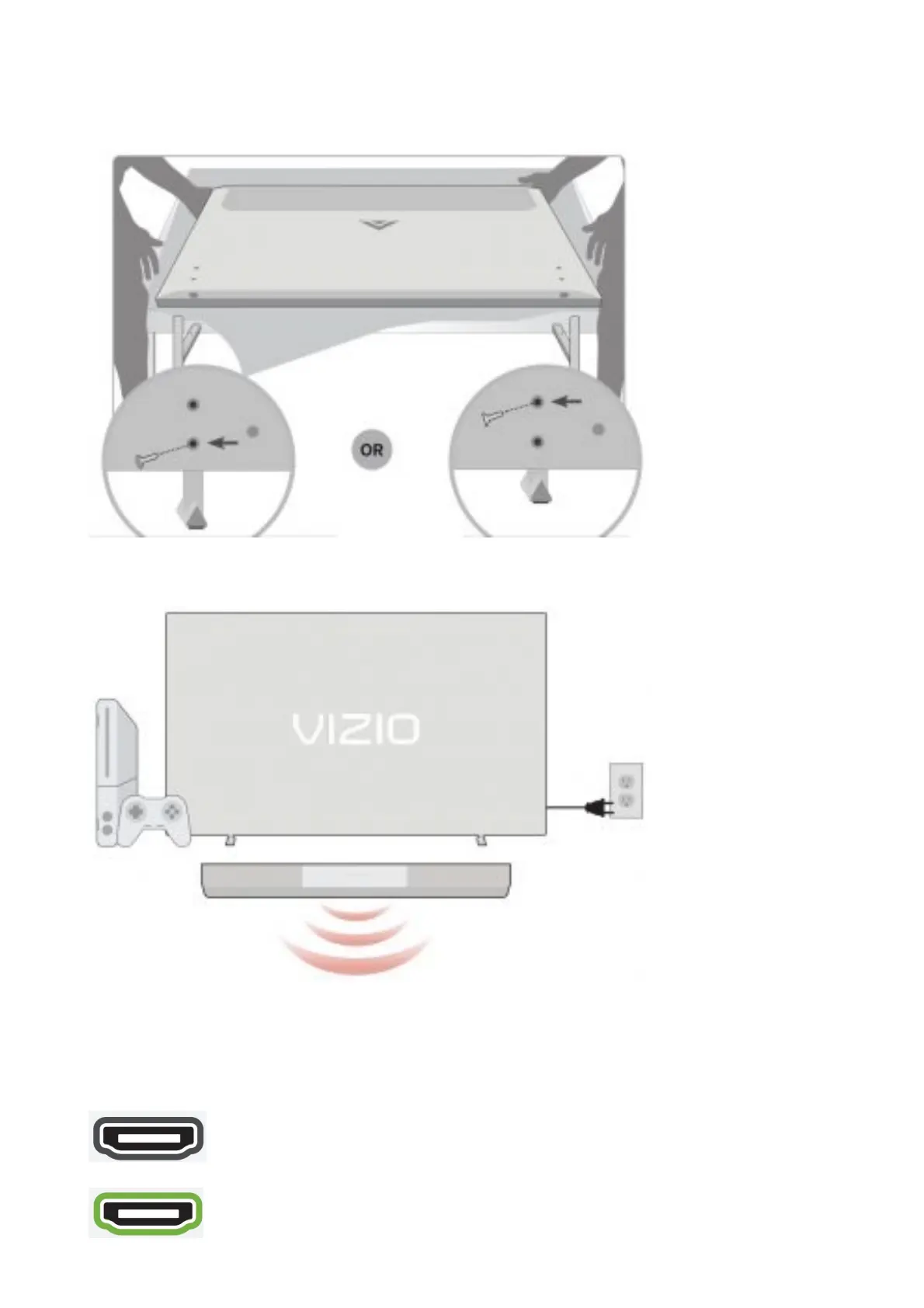
1. Stand Setup
Place TV on a padded, flat surface that is larger than the
TV, before installing feet or wallmount (not included)
Use bottom hole: taller TV height to use w/sound bar (doesn’t block screen when in front)
Use top hole: shorter TV height
2. Connect
Why should I use HDMI?
Highest Quality Connection:
Connect your devices with HDMI for the best possible picture and sound.
Dedicated Sound Bar Connection:
Connect a sound bar to the HDMI 1 (eARC) port on the TV (marked in green).
HDMI
HDMI 1 (eARC)
3. Remote Control

 To Next Page
 Loading...