EasyManua.ls Logo

Vizio M21d-H8 - User Manual

Vizio M21d-H8
36 pages
Print Icon
To Next Page IconTo Next Page
Loading...
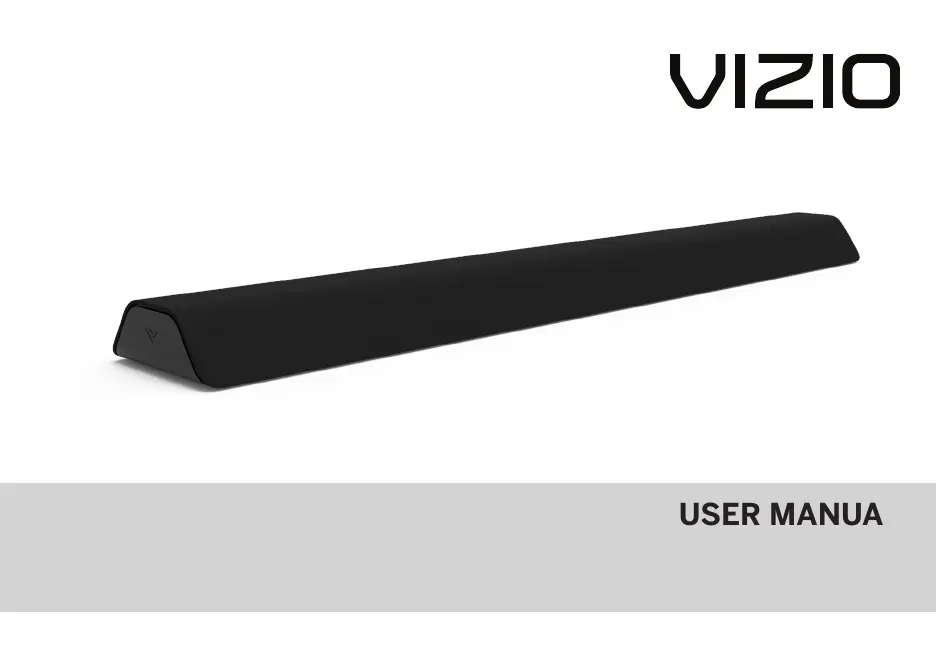
USER MANUAL
Model: M21d-H8
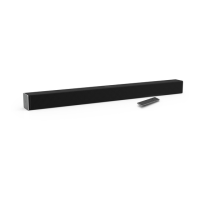
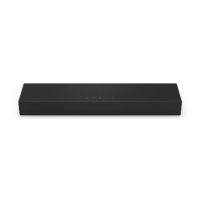
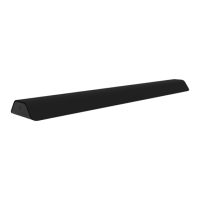
VIZIO 2.1 Channel Sound Bar with Dual Integrated Subwoofers
Please read this guide before using the product.
USER MANUAL
Model: M21d-H8
VIZIO 2.1 Channel Sound Bar with Dual Integrated Subwoofers
Please read this guide before using the product.
w
USER MANUAL
Model: M21d-H8
VIZIO 2.1 Channel Sound Bar with Dual Integrated Subwoofers
Please read this guide before using the product. Please read this guide before using the product.

Questions and Answers

  • B
    Brady CampbellJul 29, 2025
    What to do if my Vizio M21d-H8 remote is not working?
    • S
      Sandra DavisJul 30, 2025
      If your Vizio Speaker System remote isn’t working, try these steps: * Replace the remote batteries with new ones. * Point the remote directly at the center of the sound bar when pressing a button.
  • A
    Amanda GonzalezAug 6, 2025
    What to do if there is no sound on my Vizio M21d-H8 Speaker System?
    • D
      Denise ReevesAug 6, 2025
      To resolve the issue of no sound on your Vizio Speaker System: * First, increase the volume using the VOLUME UP button on the remote or the sound bar itself. * Also, ensure that the sound bar is not muted by pressing the MUTE button on the remote. * Try selecting a different input source by pressing INPUT on the remote or the sound bar. * If using digital inputs, set the TV output to PCM or connect directly to your Blu-ray player, as some TVs may not pass through digital audio. For unsupported formats on digital inputs, set the source to output PCM. Also, confirm that your TV's audio output setting is set to FIXED or STANDARD, not VARIABLE. * If you're using Bluetooth, make sure the volume on your source device is turned up and that the device is not muted.
  • S
    Shawn MasonAug 13, 2025
    How to turn on Vizio M21d-H8 when there is no power?
    • G
      Gregory SmithAug 14, 2025
      If your Vizio Speaker System has no power, try the following: 1. Press the POWER button on the remote control or on the side of your sound bar. 2. Make sure the power cord is securely connected. 3. Plug a different device into the electrical outlet to verify that the outlet is working correctly.
  • D
    Douglas CoxAug 22, 2025
    How to stop buzzing or humming from Vizio M21d-H8 Speaker System?
    • P
      patricia59Aug 22, 2025
      If you hear buzzing or humming from your Vizio Speaker System, take these steps: * Ensure all cables and wires are securely connected. * Connect a different source device (TV, Blu-ray player, etc.) to see if the buzzing persists. If it doesn't, the problem may be with the original device. * Connect your device to a different input on the sound bar.

Summary

Controls & Connections

First-time Setup

Using the Remote

Proper Placement

Mode & Level Settings

Using Button Combinations

Bluetooth Pairing

Using Bluetooth Mode

Connecting to a Voice Assistant

Using the AUX VA Port to Connect

Connects the sound bar to a voice assistant device via a 3.5mm audio cable.

Connecting with HDMI ARC

To connect using HDMI*

Provides steps for connecting the sound bar to the TV using an HDMI ARC connection.

Wall-mounting

Help & Troubleshooting

Vizio M21d-H8 Specifications

General IconGeneral
TypeSoundbar
BluetoothYes
Frequency Response50 Hz - 20 kHz
Voice AssistantNo
Dolby AudioYes
InputsOptical

Related product manuals