English - 21
USING YOUR TABLET OR
SMARTPHONE AS A REMOTE
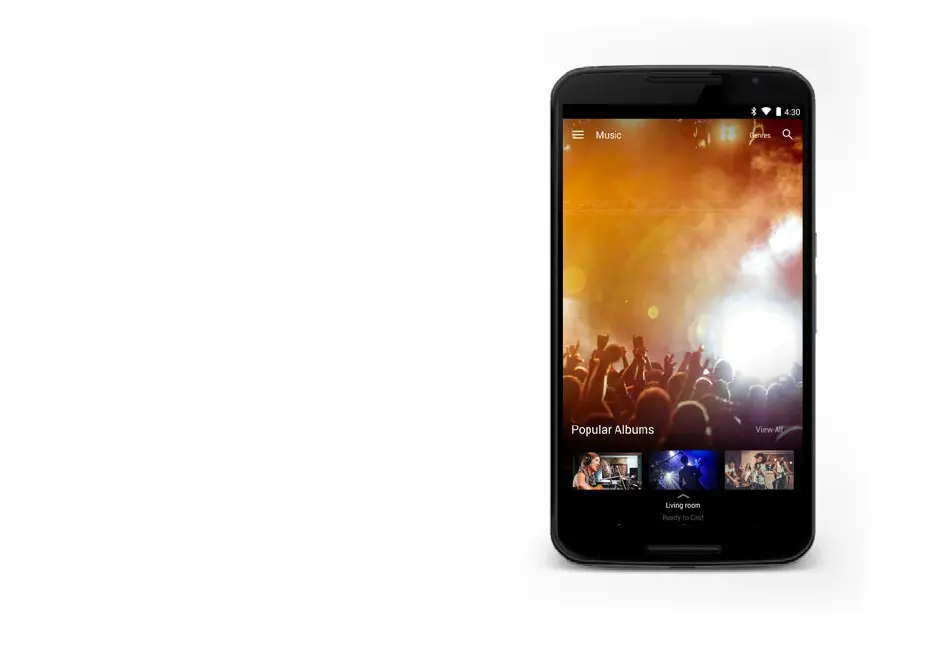
Download the VIZIO SmartCast app and turn your
smartphone or tablet into a remote to control your sound
bar system.
To use your smartphone or tablet as your VIZIO SmartCast
Remote:
• Download the VIZIO SmartCast app on your
compatible smartphone or tablet and follow the
on-screen instructions to pair your device with a
VIZIO SmartCast Sound Bar System.
Visit www.vizio.com/smartcastapp to get started
*Subject to change
**To use the Bluetooth LE functionality you must have Android™ 5.1 or later
†
https://support.google.com/googleplay/answer/1727131



 To Next Page