English - 24
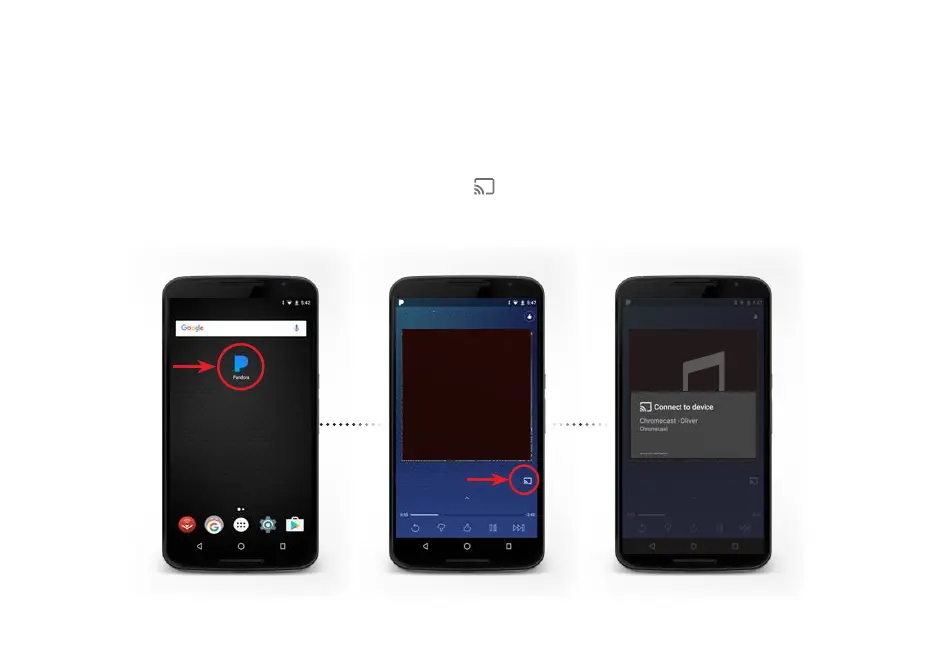
HOW TO CAST AUDIO
♫
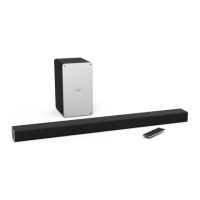
With Chromecast built-in, you can cast your favorite audio content from your device right to your sound bar.
Streaming audio content to your sound bar is as simple as tapping an icon on your favorite app.
1. Ensure your mobile device is on the same Wi-Fi network as your VIZIO SmartCast™ sound bar and open a
Chromecast-enabled app, such as Pandora*.
2. Choose something you want to listen to and tap the (Cast) button and select your sound bar.
3. Press the play button to begin listening to your content.
♫
SmartCast Sound bar
*Applications and content not provided by VIZIO and availability vary by country or region.



 To Next Page