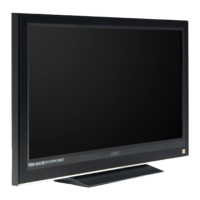
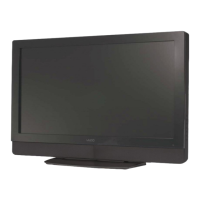
VIZIO VA19L HDTV10T User’s Manual
Version 9/12/2008 8
www.VIZIO.com
Understanding Basic Controls and Connections
Front Bezel
POWER INDICATOR (VIZIO logo):
• White: On.
• Orange: Off.
REMOTE CONTROL SENSOR:
• Point the remote control directly this sensor
for the best response.
Right Side Panel Controls
POWER ( )
• Turns your HDTV ON and OFF.
MENU
• Activates the On-Screen Display (OSD).
• If a sub-menu is active, returns to the previous menu level.
CHANNEL + / -
• Steps up or down through the TV channels.
• Moves up and down through controls in the OSD menus.
VOLUME + / -
• Increases or decreases the speaker volume.
• Moves left and right in the OSD menus.
INPUT
• Press repeatedly to cycle through the video inputs.


 To Next Page
 Loading...