VIZIO VX240M User Manual
Version 5/8/2009 27
www.VIZIO.com
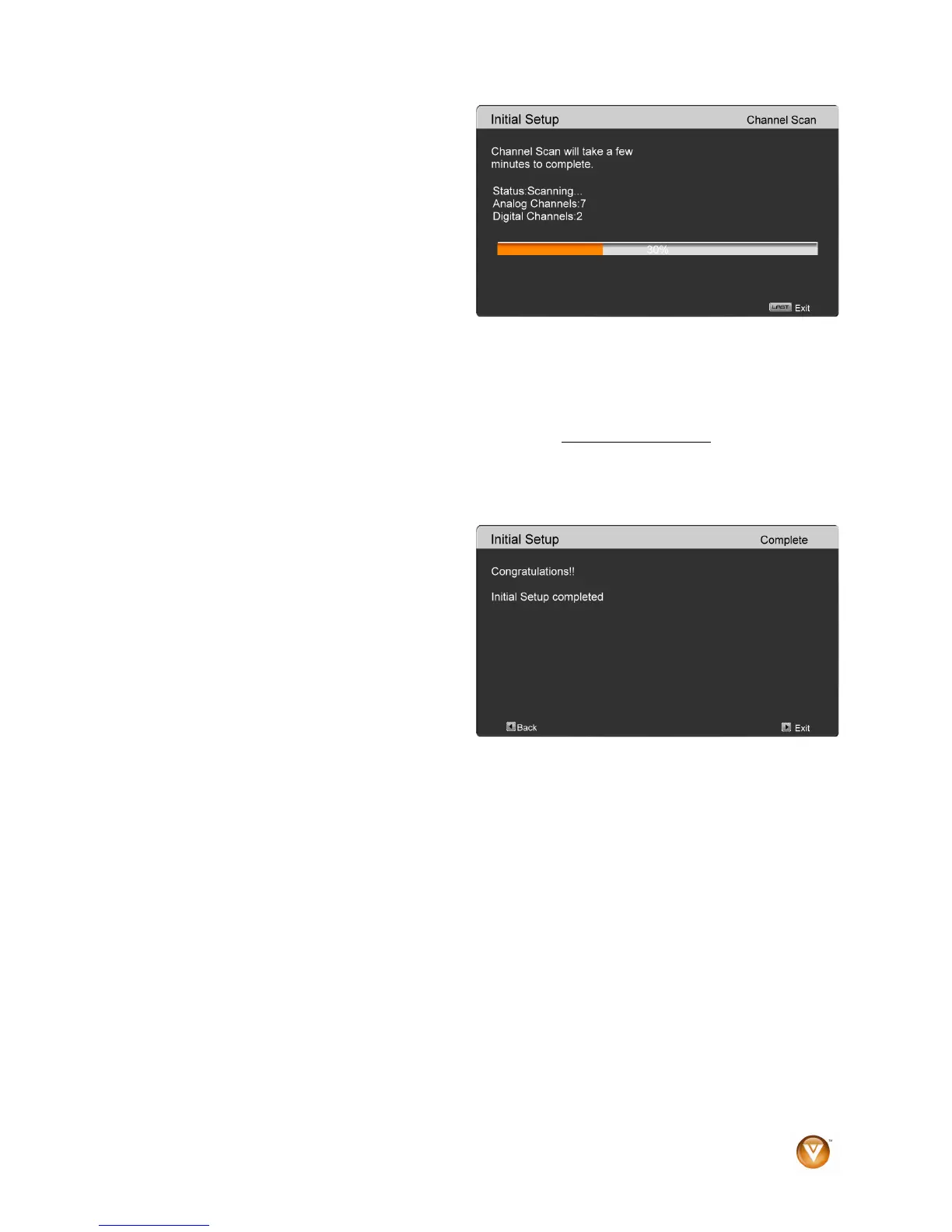
c. The screen will now change to
show the progress of the search
for Analog (NTSC) and Digital
(ATSC) channels.
Note: DTV digital broadcast is not available in all areas. Refer to www.antennaweb.org
to get information
about availability in your area, type of antenna and in which direction to point your antenna. The channel
availability through cable depends upon which channels your cable operator supplies in Clear QAM;
consult your cable operator for more information.
d. When finished, the Complete
screen will be displayed to inform
you that the HDTV has completed
the Initial Setup.
Press the ► button on the remote
control to exit and begin watching
TV.


 To Next Page