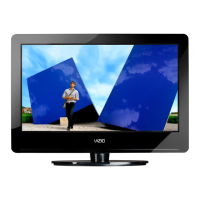
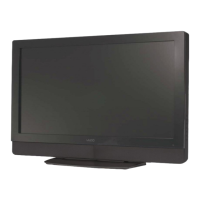
VIZIO VX240M User Manual
Version 5/8/2009 9
www.VIZIO.com
TV Setup and Stand Assembly
Note:
We strongly recommend that two people perform the setup and assembly due to the weight and
size of the TV.
To unpack the TV and stand base:
1. Remove the remote control, batteries, and power cord from the foam end caps.
2. Remove the top foam end cap.
3. Remove the stand from the bottom foam end cap.
4. Remove the TV from the box and lay it face down on a clean, flat surface.
Note: Make sure that the surface is free of debris to prevent the TV screen from getting scratched.
To attach the TV stand base:
1. Slide the stand base onto the stand neck (already connected to TV).
2. On the bottom of the base, turn the knob to the LOCK position. Move the TV into an upright
position.


 To Next Page