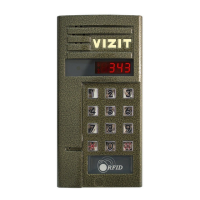
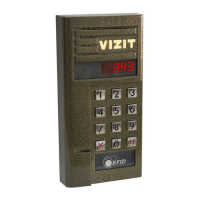
OPERATION
Check all connections before turning the power on.
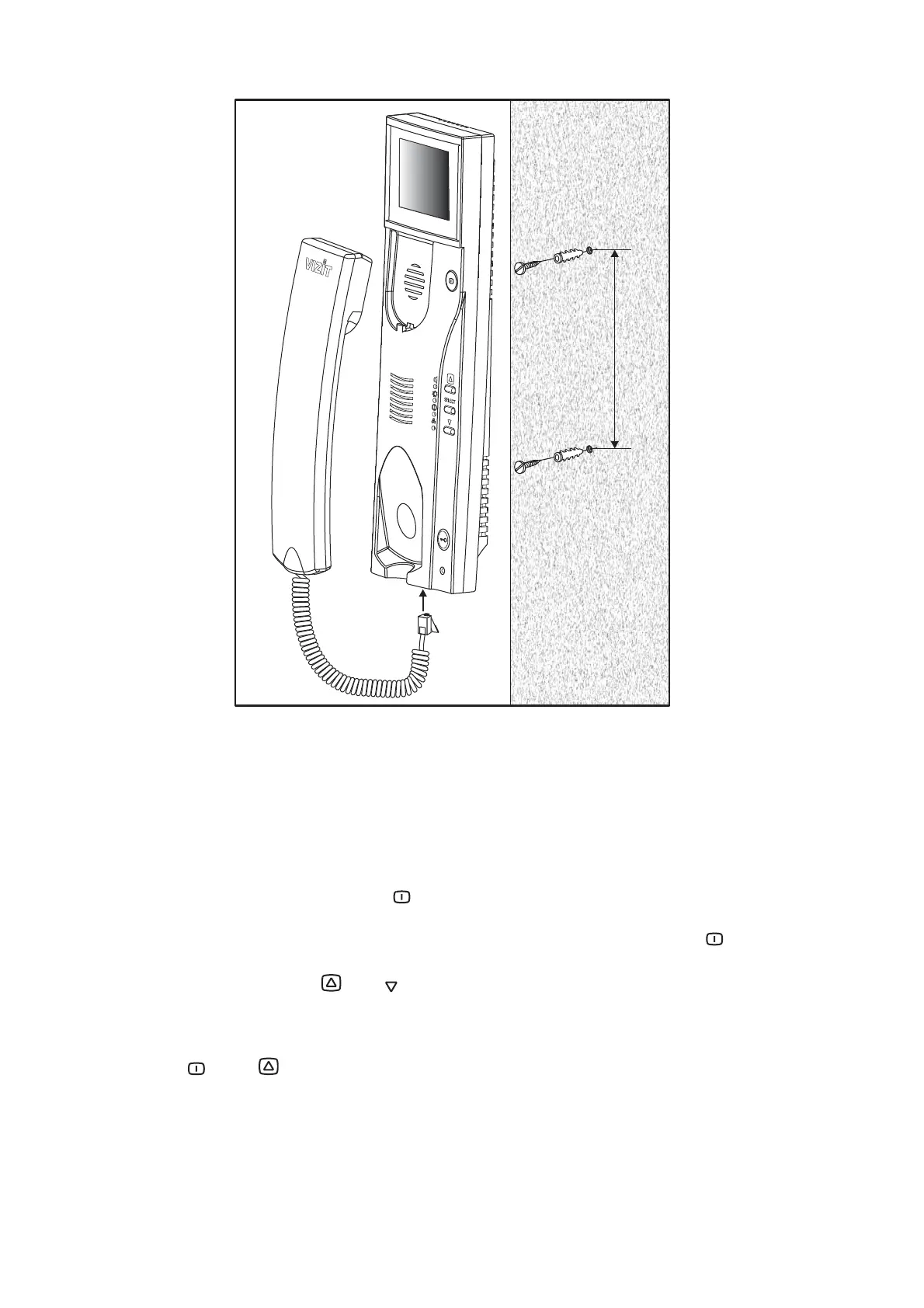
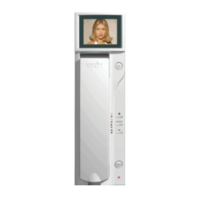
Turn the BKM-44x power switch on. Power LED illuminates on the monitor. The indicator is dim if
the monitor is in sleep mode. Press to turn it on.
Adjust ringer volume, brightness, contrast, colour saturation you like: Press briefly - image
from the doorstation camera appears on the display. Choose the desired parameter with the SELECT
button and set value with and .
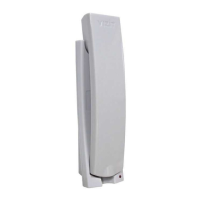
Pick up the handset and hang it up when finished. Display turns off.
Press , then to view image from the additional camera (if any) and adjust its brightness,
contrast and colour as mentioned above.
Pick up the handset and hang it up when finished. Display turns off.
Brightness, contrast and colour are stored separately for each video input.


 To Next Page