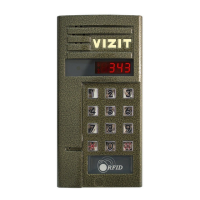
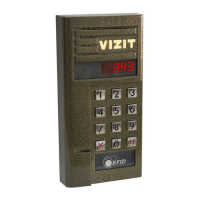
Note: When adjusting brightness, contrast and colour, corresponding LED blinks till the value
reaches the highest or the lowest limit.
When setting the ringer volume, a test signal rings till the value reaches the highest or the
lowest limit.
Dial the number or press CALL button of the apartment, where the monitor is installed.
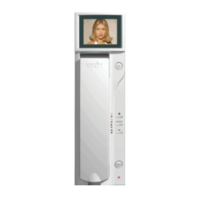
The monitor rings, image from the doorstation camera appears on the screen.
Pick up the handset and check duplex intercom.
Press to view image from the additional camera, if needed.
Press again to return back to the doorstation camera.
To unlock the door: Press the button till a beep. The door lock is released, intercom remains
available.
Hang up the handset when finished. Display turns off, the system returns into stand-by mode.
Note: The lock can be released without talking to a visitor. When called, just press till a beep.
The door lock is released, the system returns into stand-by mode.
1.
2.
3.


 To Next Page