Automatic Shutdown
If the compressor oil gets too hot, the over-temperature circuit will
disengage the compressor clutch, preventing operation of the
system. The red indicator light on the control console will illuminate,
indicating a problem.
If this problem persists, refer to the problem diagnosis section in this
manual.
1. Press the “OFF” button on the control box.
2. Allow a few minutes for the system to vent pressure and for the
oil to drain back to the tank, then check the oil level through the
sight-glass on the tank. Oil level must be checked with the
vehicle in a level position, not on a slope.
3. If the oil level is low, check and repair any leaks, then add oil
until the correct level is reached.
Adding Oil to the System
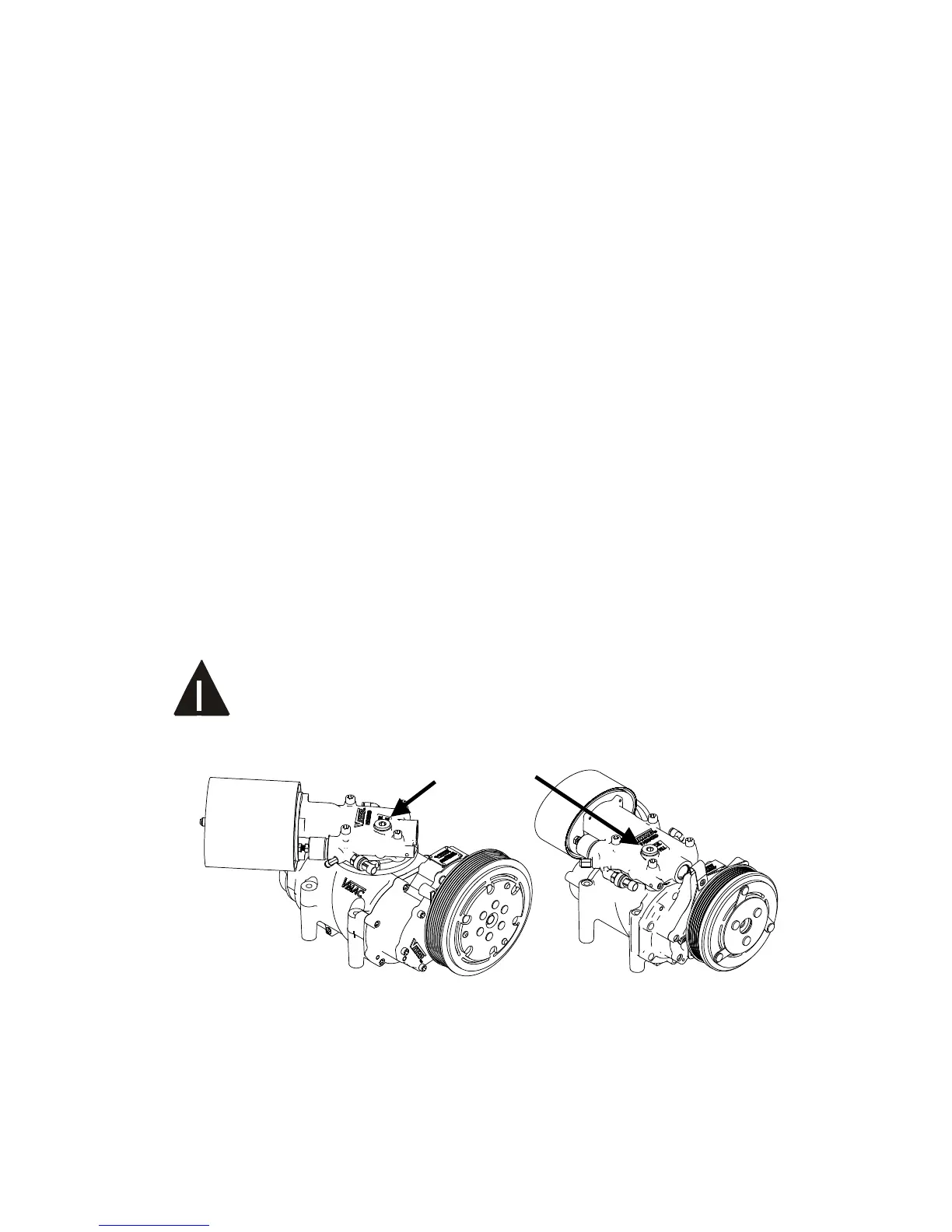
1. Remove the fill plug (remote oil fill if equipped), from the inlet
control valve.
The oil is clear and the level may be difficult to see in the
sight glass. Have someone watch the level as you add
oil.



 To Next Page