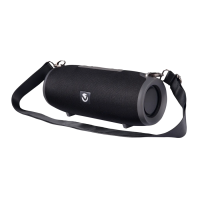
4
INSTRUCTIONS FOR USE:
Your speaker must be paired to a Bluetooth device before it can be used. It is only necessary to
pair your speaker once with each device.
1. Switch the power on. The LED Light will flash Blue and a welcome tone will be audible.
2. Cycle to Bluetooth
Mode by pressing the M Mode Button, the speaker will beep twice, this means
that the speaker is ready to pair with your Bluetooth playback device.
3. Activate the Bluetooth on your playback device and search for “Mega Bazooka Squared”. Select
“Mega Bazooka Squared” from the device’s list to connect. You will hear a connection tone after the
speaker has been paired successfully.
4. You can now playback audio through the speaker.
5. Music tracks can be selected either on the speaker or on your playback device (smartphone,
computer, tablet etc.). Press the Next Track / Volume Up Button to skip to the next song. Press
the Previous Track / Volume Down Button to play the previous song.
6. Volume can be controlled either on the speaker or on your playback device (smartphone, computer,
tablet etc.). Press and hold the Next Track / Volume Up or Previous Track / Volume Down
Buttons on the speaker to adjust the volume as preferred.
7. Press the Play / Pause and FM Auto Scan Button on the speaker to play or stop music.
CHARGING THE SPEAKER
TURNING ON AND OFF
PAIRING WITH BLUETOOTH DEVICES
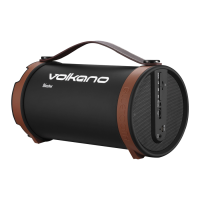
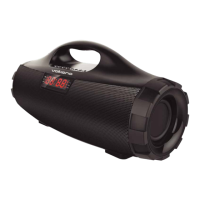
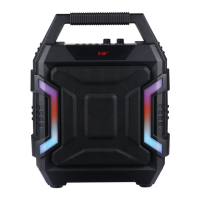
• Please fully charge the Volkano Mega Bazooka Squared Bluetooth Speaker before using it for the
first time.
• Connect the USB A end of the charging cable to a USB charging port and insert the Micro USB end
to the port on the speaker. Make sure it is properly connected.
• The Red Indicator Light will be lit while the speaker is charging. When the battery is full, the Red
Indicator Light will switch off automatically.
To turn on, flick the power switch to the “On” position. The speaker will beep twice, the LED will start
flashing Blue. To turn off, flick the power switch to the “Off” position.
AUX-IN
1. Press the M Mode Button to cycle the speaker to Aux Mode.
2. Plug the provided Aux Cable into the compatible device’s Aux Input and then into the Aux Input of
the speaker.



 To Next Page