
 Need help?
Do you have a question about the volkano Scorpio VK-1121-BK and is the answer not in the manual?
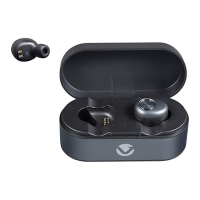
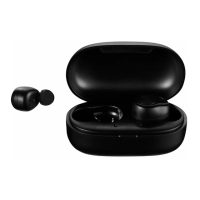
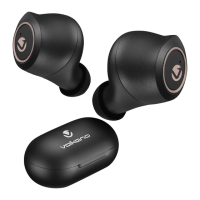
Instructions for charging the charging case and its LED indicators.
Instructions for charging the earbuds within the case and their LED indicators.
Steps to power the earphones on and off using the touch button.
How the earphones automatically pair with each other upon powering on.
Steps to connect the earphones to a Bluetooth-enabled device.
Using the earphones for answering, rejecting, and ending phone calls.
Guide to finding the Bluetooth settings on different mobile devices.
Functions for audio playback, volume, and voice assistant activation.
 General
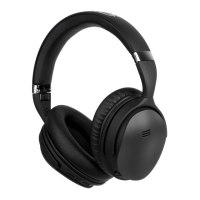
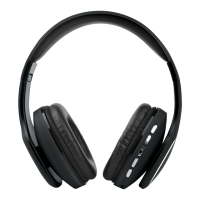
| Type | Over-Ear |
|---|---|
| Bluetooth Version | 5.0 |
| Operating Distance | 10 meters |
| Driver Size | 40 mm |
| Impedance | 32 Ohms |
| Frequency Response | 20 Hz - 20 kHz |
| Charging Time | 2 hours |
| Standby Time | 200 hours |
| Charging Input | Micro USB |
| Cable Length | 1.2 meters |
| Connector | 3.5 mm |
| Color | Black |
| Connectivity | Bluetooth |






 To Next Page