37
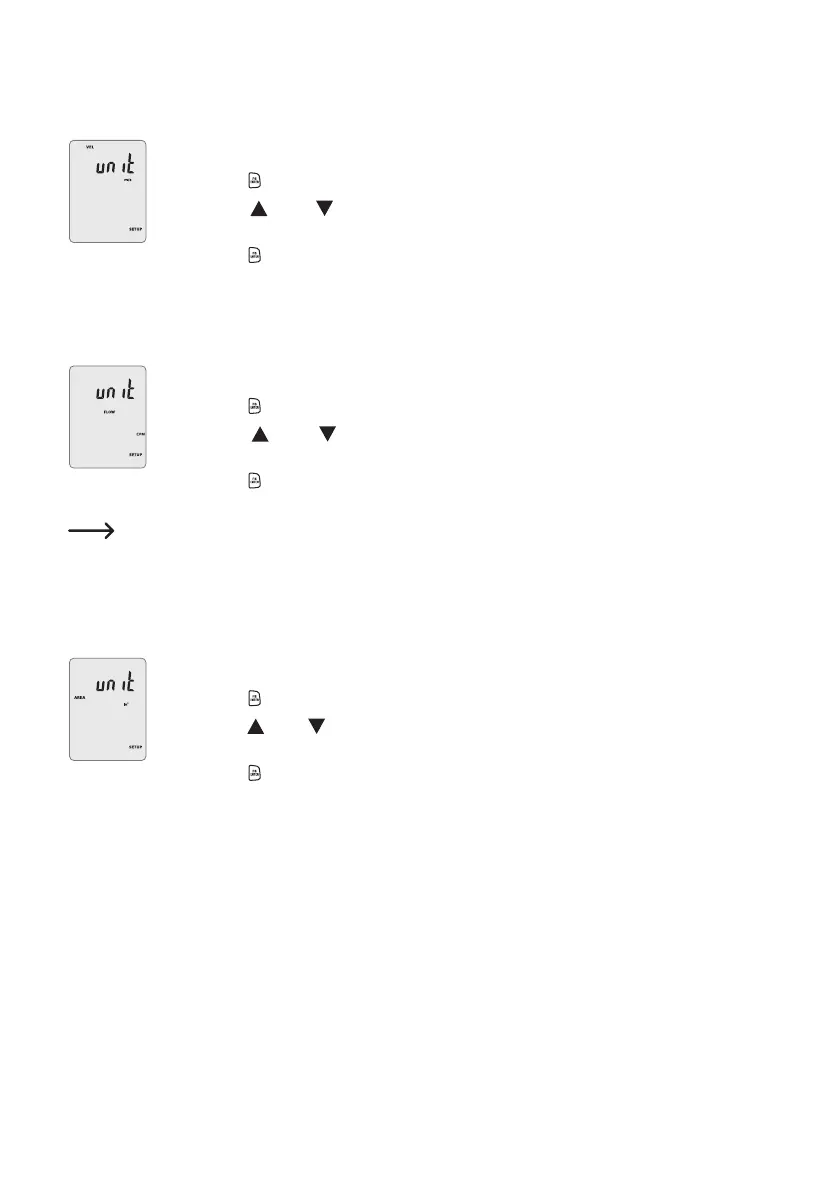
5Setting the wind speed unit
Youcanchoosefromvedifferentwindspeedunits.
• Select the wind speed measurement option in SETUP mode. The "VEL" symbol will appear.
• Press the button (15) to display the current measurement unit.
• Press the (13) or (14) button to set the wind speed unit. The current unit is indicated
on the LCD display (7). Press repeatedly to switch between m/s, ft/min, knots, km/h and mph.
• Press the button(15)toconrmandsavethesetting.
6Setting the unit for the air ow rate
Selecttheunitfortheairowrate(cubicmetersperminuteorcubicfeetperminute).
• SelecttheairowratemeasurementoptioninSETUPmode.The"FLOW"symbolwillappear.
• Press the button (15) to display the current measurement unit.
• Press the (13) or (14)buttontosettheunitfortheairowrate.Thecurrentunitis
indicated on the LCD display (7).
• Press the button(15)toconrmandsavethesetting.
The units have the following meanings:
"CFM" (cubic feet per minute) Wind speed (ft/min) x Area (ft2)
"CMM" (cubic metres per minute) Wind speed (m/s) x Area (m
2
) x 60
7Setting the area unit
• SelecttheareameasurementoptioninSETUPmode.The"AREA"symbolwillappear.
• Press the button (15) to display the current measurement unit.
• Press the (13) or (14) button to set the area unit. The current unit is indicated on the LCD
display (7). Choose between cm
2
, in
2
and ft
2
.
• Press the button(15)toconrmandsavethesetting.


 To Next Page
 Loading...