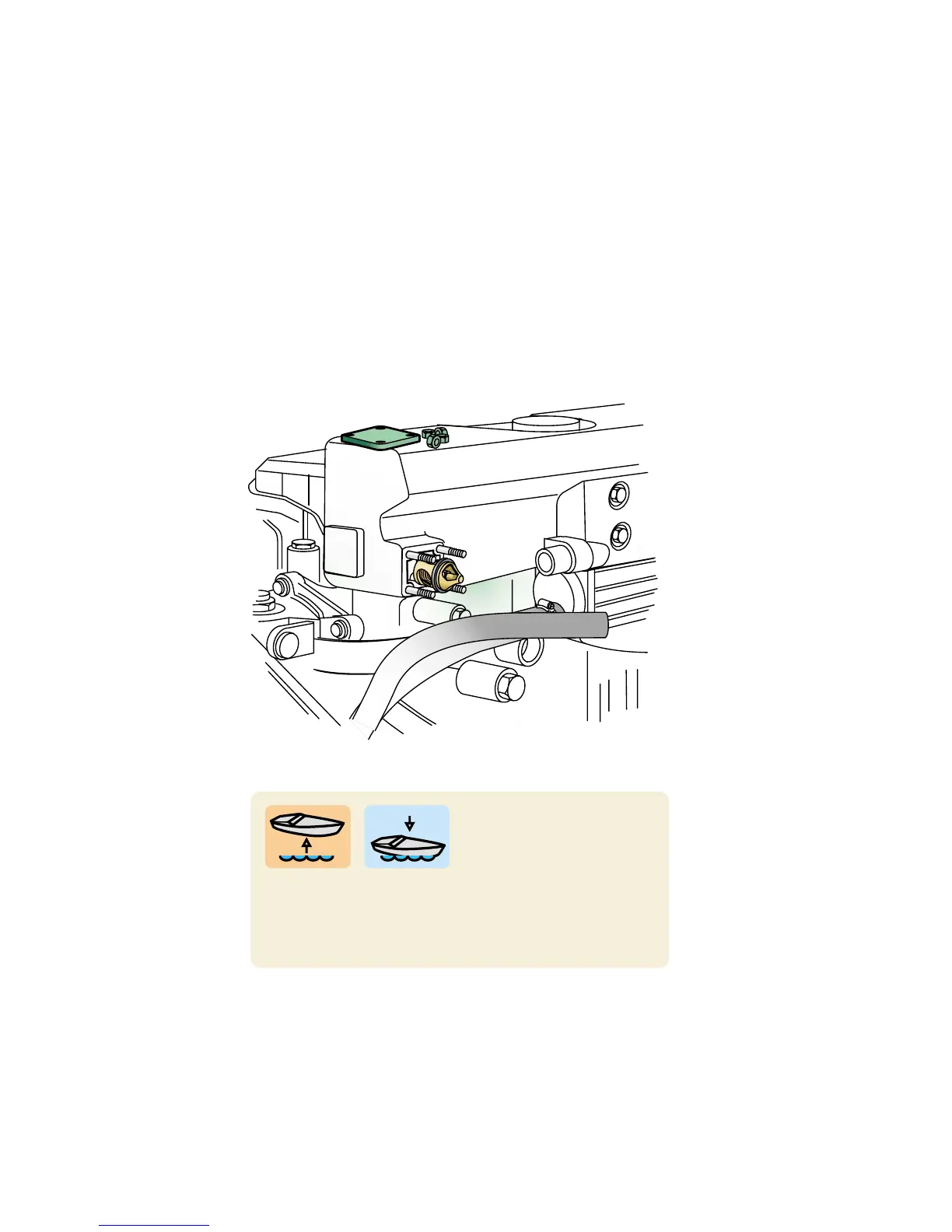
THERMOSTAT
10
If your instrument panel has a temperature gauge
you will be able to see whether the engine stays at
the right working temperature or not. Excessive
temperatures are often caused by blockage in the
coolant intake, cooling ducts or heat exchanger, or
by a defective impeller. Too low a temperature is
usually caused by a faulty thermostat.
Check the function of the
thermostat by removing it
and placing it with a ther-
mometer in a pan of water. Heat the water and see if
the thermostat opens at the temperature indicated in
the operator’s manual. If not, replace the thermostat.



 To Next Page