Instrument panels
Display unit 31
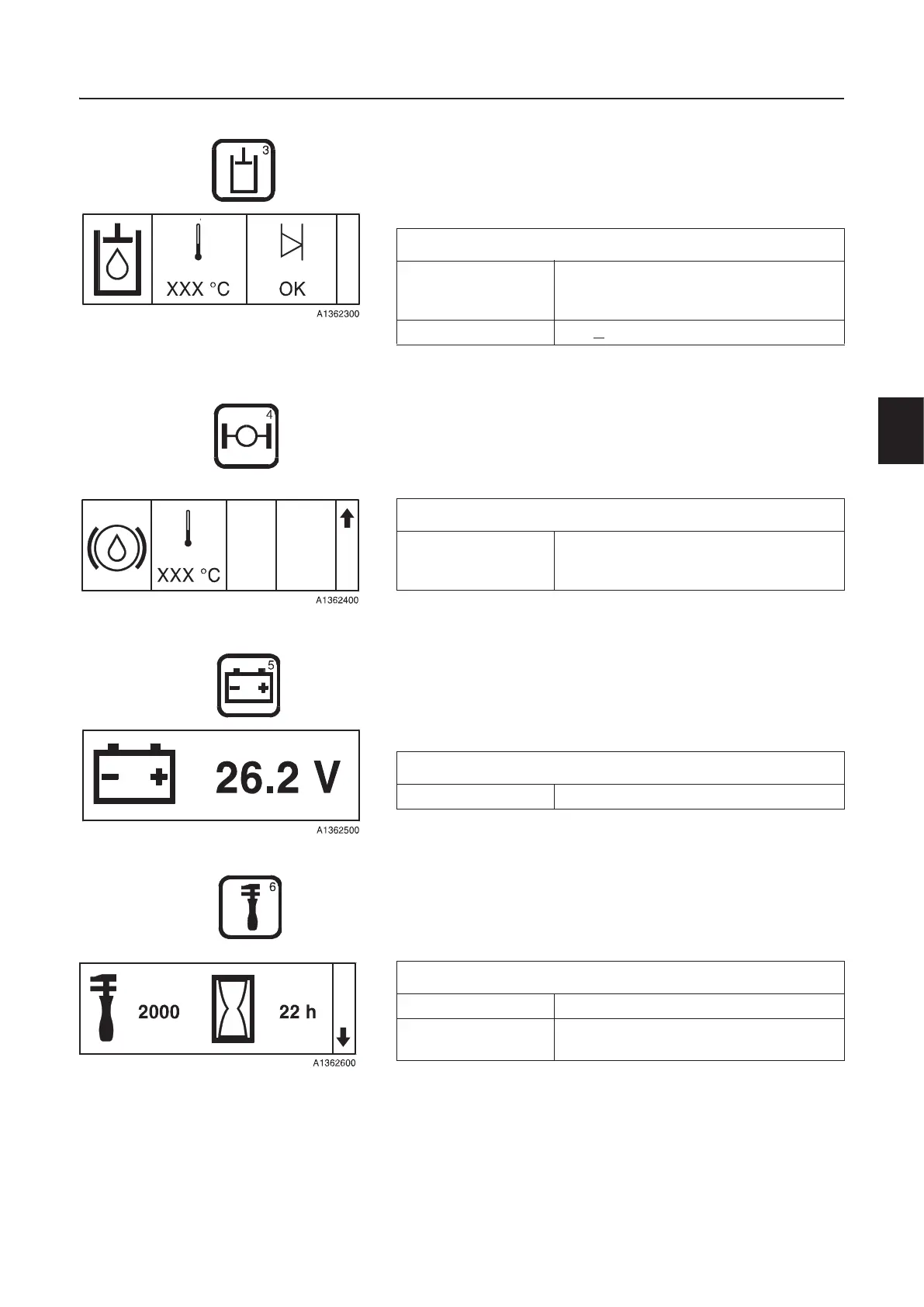
Hydraulics
The screen shown below becomes available after pressing the
hydraulics key.
Via the same screen and browsing downwards it is possible to
control the FS-system via the operator display unit, see page 36.
Axles/Brakes
The screen shown below becomes available after pressing the
axles/brake key.
Electrical system
The screen shown below becomes available after pressing the
electric system key.
Service
The screen shown below becomes available after pressing the
service key.
Acknowledgement of service, see page 35.
Hydraulic oil
Temperature °C/°F (in case of minus degrees the
minus sign will be shown at the first
position)
Level OK / V
(low) / – – (incorrect value)
Brake cooling oil
Temperature °C/°F (in case of minus degrees the
minus sign will be shown at the first
position)
Voltage
Current voltage V
Service
Next service 250/500/1000/2000
Time left to next
service
h



 To Next Page