Setting reversible cooling fan
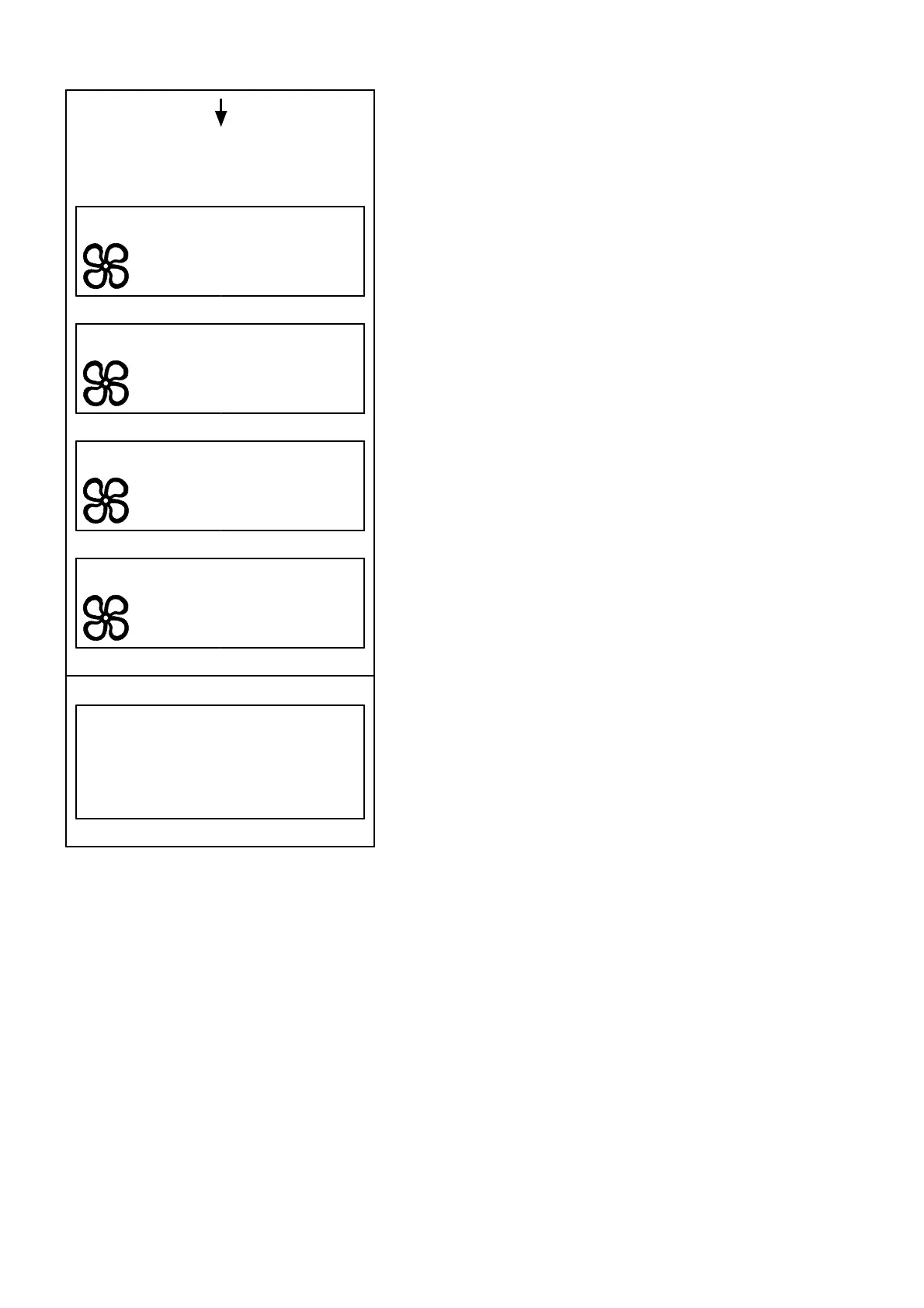
To change fan mode, press SELECT to enter figure Rev. cooling
fan mode. Select fan mode with arrow keys and press SELECT.
To return to previous figure, press [ESC].
For fan mode Manual, select Off with the arrow keys and press
SELECT to reverse the fan.
During on-going reversal, the text in the field changes from 15
min / 30 min / Off to Reversing.
NOTE! The hydraulic oil temperature must be above 0 °C (32 °F)
to enable reversal of the cooling fan.
Shows any of the following figures for
selected fan mode.
Rev. cooling fan Short
Interval 15 min.
Rev. cooling fan Long
Interval 30 min.
Rev. cooling fan Manual
Off
Rev. cooling fan OFF
Rev. cooling fan mode
○ Short
○ Long
○ Manual
○ OFF
44



 To Next Page