Voodoo Dragon
6
9. Click “Start” on the task bar and click “Run”.
10. Type [D:\DIRECTX5\DX5ENG] on the command line to install
DirectX5. Then press "Enter".
11. Click on “Yes” to start the installation.
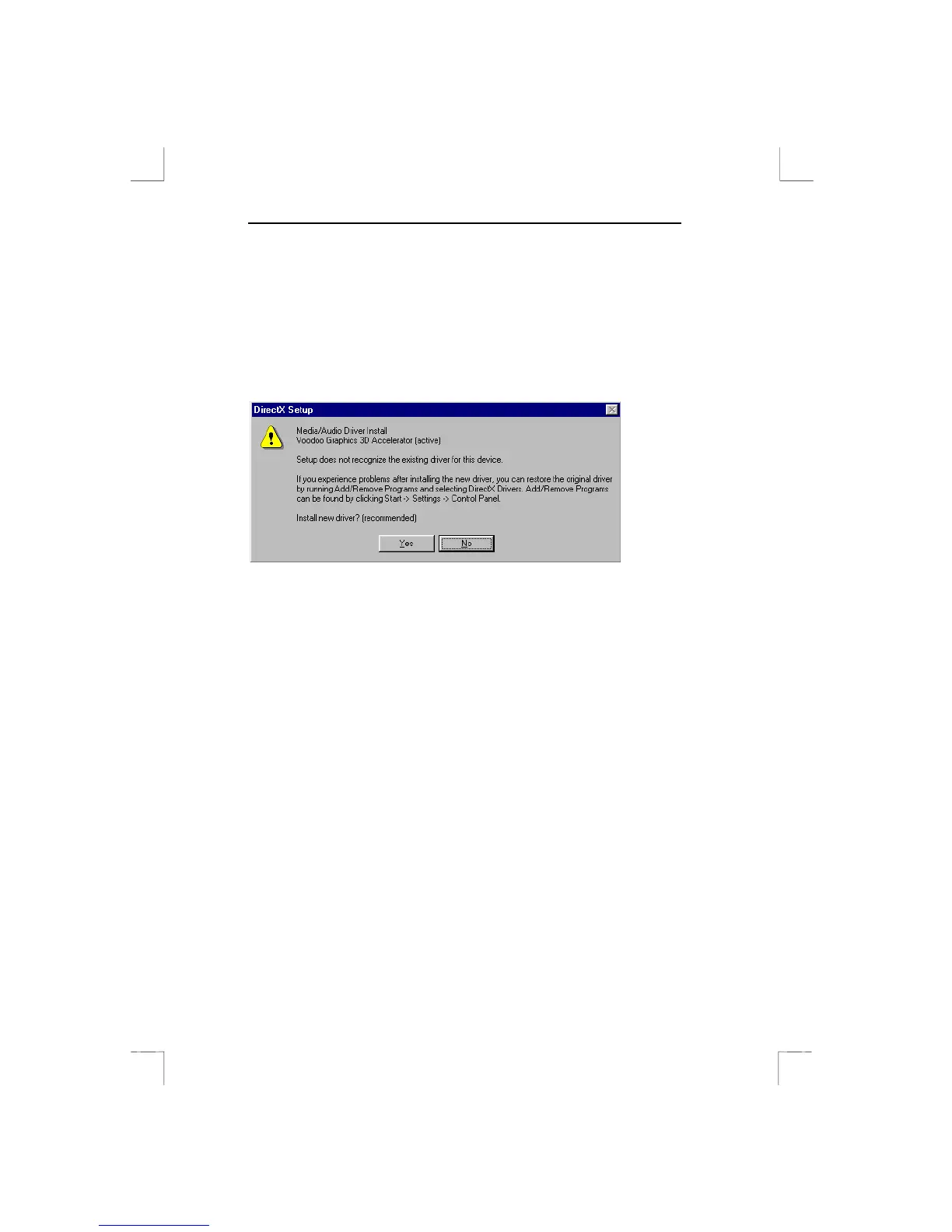
12. If asked, select “Yes” to replace the 3Dfx driver (see Figure 3).
The installation will now be carried out.
13. Select “OK” to restart your system.
Figure 3: DirectX5 Setup screen



 To Next Page