14
AUTO TUNE
Auto Tune allows you to create a wave within your tank.
To create a wave using Auto Tune, Hold SET and OPTION
until LEDs move back and forth slowly. Press and hold SET
until the control dial flashes and then breathes blue, indicating
MAKE WAVES
WATCH THE VIDEO:
ecote.ch/qdmakewave
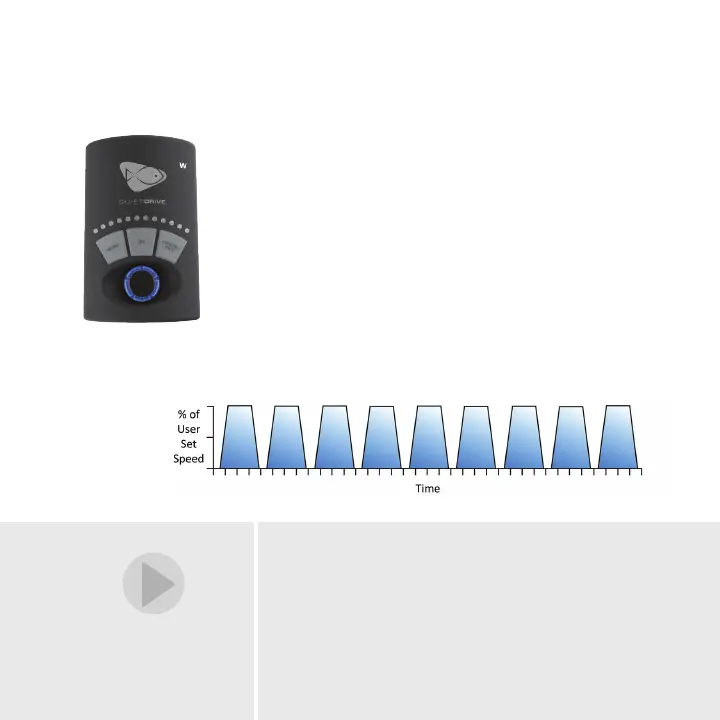
Short Pulse Mode
When first entering Short Pulse Mode, set the
maximum pump speed with the control dial and
press the SET button to lock it. The LEDs will
begin to ramp, indicating the pulsing frequency
between 0.2 seconds and 2 seconds. Next, use
the control dial to adjust the pulse frequency.
Press and hold SET until the control dial flashes
and then breathes blue, indicating the wave
is saved.
14


 To Next Page