CrossFire
™
HD 1400
12 13
SETTING AND USING TARGET MODES
While in ready condition, cycle between target modes by
pressing and releasing the “Menu” button. Once a target
mode is selected, press the “Measure” button to activate
the target mode.
When Normal Mode is selected, nothing will be displayed
on the display. Once “Measure” is pressed, the unit
remains in Normal Mode. If powered down in Normal
Mode, the unit will be in Normal Mode when the unit
powers back on.
First Mode Last Mode
For First and Last Mode, “1st” and “Last” will always
be displayed, signaling that you are in the respective
target mode. The range measurement will display as the
“Measure”button is pressed and released.
RANGING MODE EXPLANATIONS
The Crossfire
™
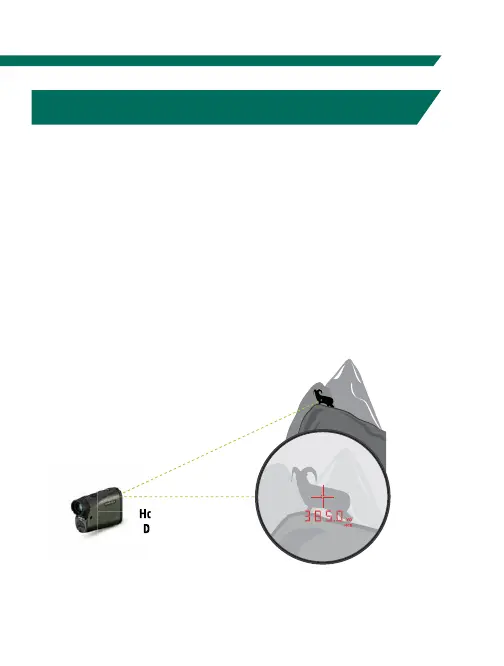
HD 1400 provides two range modes: HCD
(Horizontal Component Distance) and LOS (Line of Sight).
Both modes offer a Scan feature.
HCD Mode
The HCD range display is intended to be the primary
mode—used for most rifle and archery shooting
applications. The yardage number displayed is the
critical horizontal component distance.
Horizontal Component
Distance: 385 Yards
5
0
0
Y
a
rd
L
in
e
o
f S
ig
h
t



 To Next Page