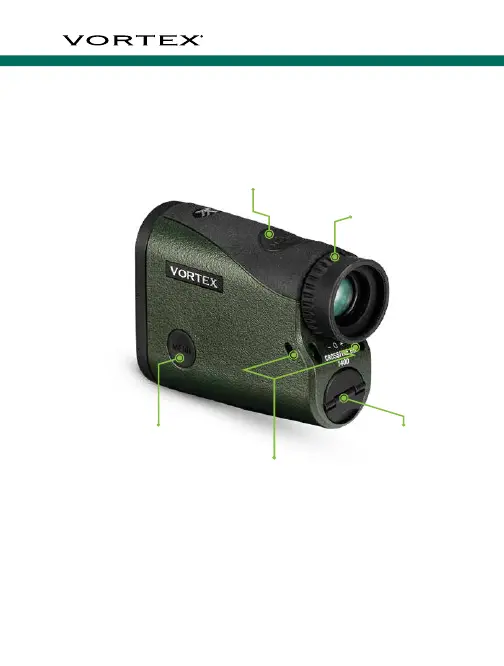
CrossFire
™
HD 1400
4 5
Battery
Compartment
Measure Button
Menu Button
Diopter Focus
Lanyard Attachment
BASIC OPERATION
Install Battery
To insert a new battery, open the
battery compartment and remove
the used battery. Insert new CR2
battery with positive side facing
outwards. Once installed, reinstall
battery compartment cover and
ensure it is tightly closed.
Power Up
Once the battery is installed, the
Crossfire
™
HD 1400 is in ready
condition – the normal power-off
condition when not ranging. To
power up the Crossfire
™
HD 1400
from ready condition and prepare
for ranging, press and release the
“Measure” button. The HCD or
LOS ranging screen will display.
Note: While in the menu, the Crossfire
™
HD 1400 will auto-shutoff
after 20 seconds if no buttons are pressed.
Battery Cap
Battery Cap



 To Next Page