DIAMON DBACK
™
HD 2000
8 9
MODE SELECTIONS
Changing Modes on the Diamondback
™
HD 2000
The Diamondback
™
HD 2000 is factory set to the angle
compensating HCD range mode, Normal target mode,
yards, and brightness level 3.
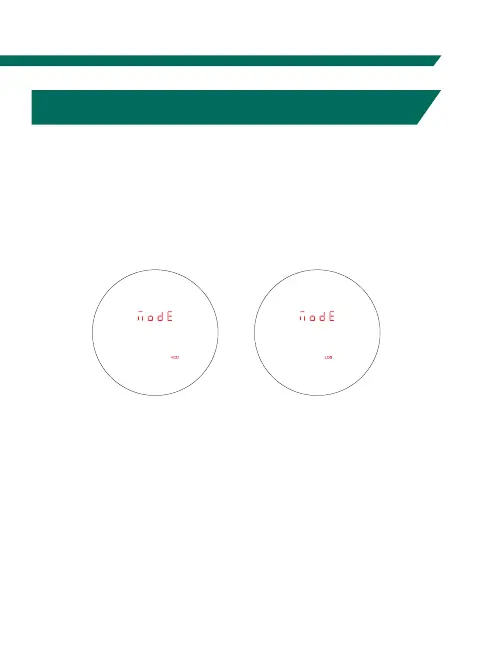
To Change Modes
Press and release the
“Measure” button to
power the unit On.
To change modes,
press and hold the
“Menu” button until
the Mode Selection
screen appears
(about 2 seconds).
Scroll through the
mode options by
clicking the “Menu”
button. To adjust a mode, click the “Measure” button.
To save your settings and exit the Mode Selection screen,
press and hold the “Menu” button for at least two seconds.
Use the “Menu”
button to activate
the Mode
Selection menu
and scroll through
mode options.
button to adjust
the mode.
RANGING MODE SELECTION
Choose Between the HCD and LOS Modes
After activating the Range Mode Selection, press the
“Measure” button to toggle between the HCD and LOS
displays. Press the “Menu” button to save your desired
choice and continue through to the Range Selection screen.



 To Next Page