14. BLUETOOTH
Select “Settings”, select Bluetooth from “OFF” to “ON”.
Search for the device you would like to pair with and select “PAIR”.
You will see a message “Connected Successfully”.
15. CAMERA
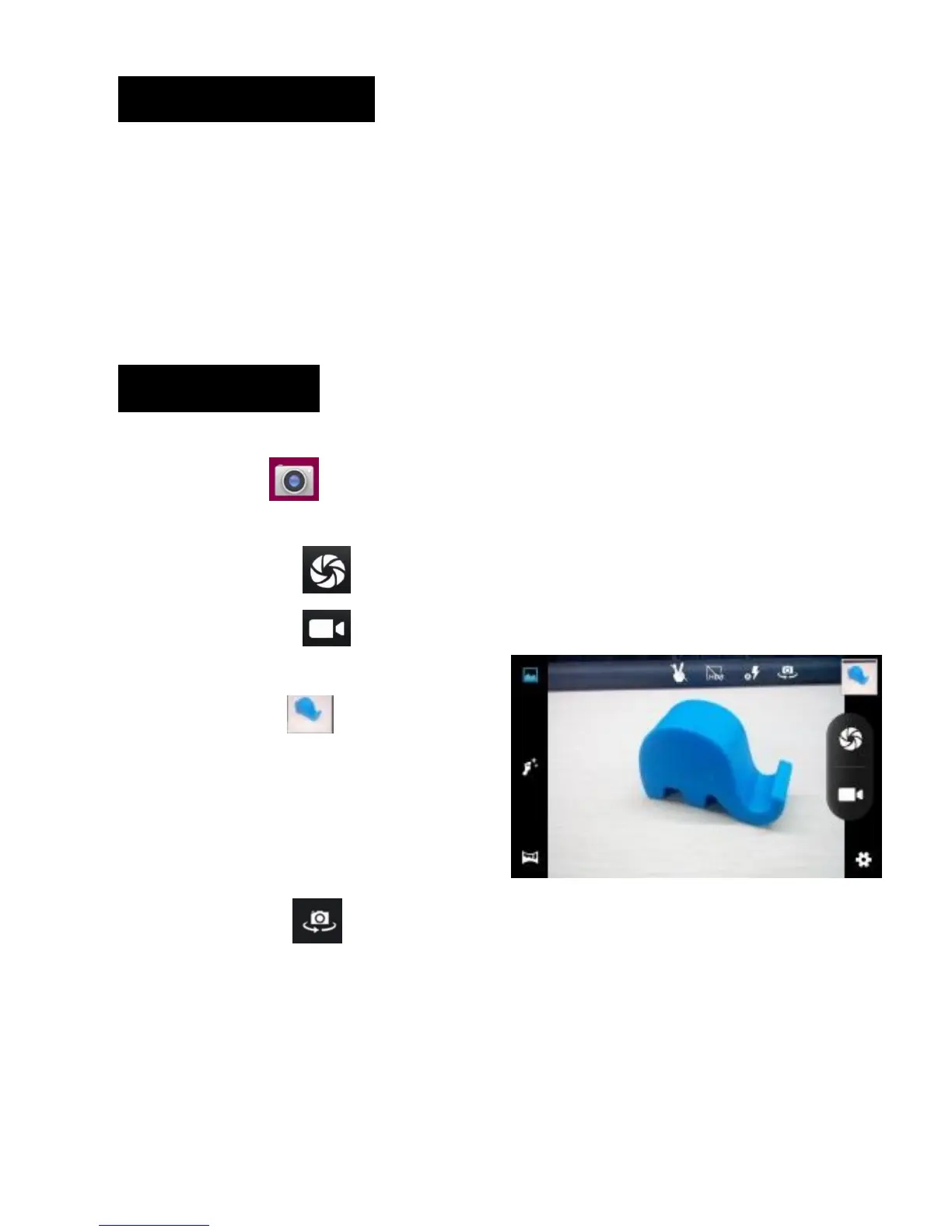
Touch the icon to enter camera mode and the interface is shown
as follows:
1. Touch the icon to take a photo.
2. Touch the icon to start camera
recording.
3. Touch the icon on the top right
To see the previous picture and to
delete, share or set it as a wallpaper.
Click the return button to exit
camera interface.
4. Touch the icon to switch from front to back camera.



 To Next Page