13. MOBILE DATA AND INTERNET
Please Note: Cell Data may be turned “OFF” as a factory setting, to allow
data to flow through your network provider please turn Cell Data “ON”
either from your quick drop-down menu or in > Settings > Cell Data, you
will not be able to access the Internet when Cell Data is “OFF” and not
connected to Wi‐Fi.
NB: Mobile Data charges apply when this setting is “ON”– Data will be
passed through your network provider.
Note:
• When the phone detects the same wireless network in the future, the
device will connect to
The network automatically with the same password record.
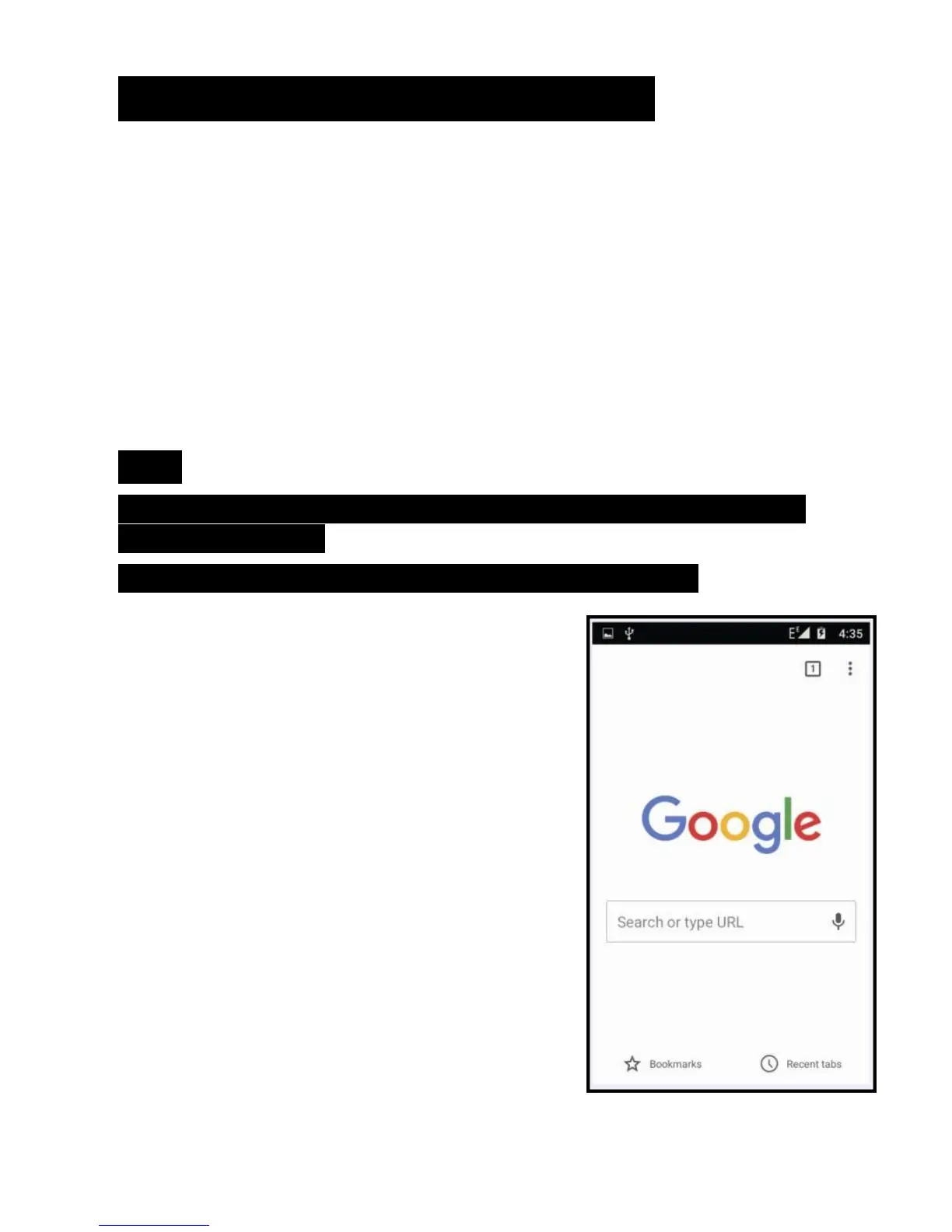
Web Browsing
Connect to the Internet and launch
the browser.
Type in the desired browsing URL.



 To Next Page