7
ENGLISH
START THE CAMERA
Turn on the camera (OFF/ON switch) and let it do the network
search as it can take a few minutes.
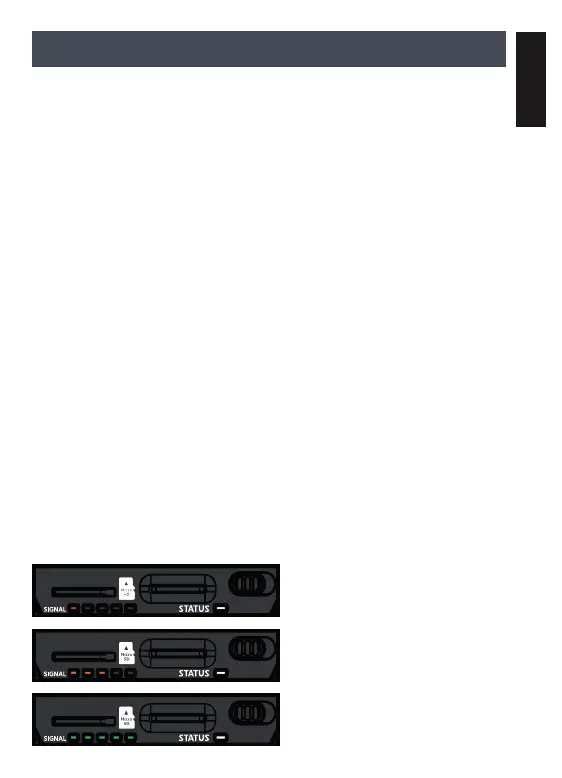
Once the network search is completed, you’ll see the signal
strength appear according to the “connectivity light” pattern.
If you have no signal, move outside or get near a window
and restart the camera a few times if need be to get all the
information from the cell network.
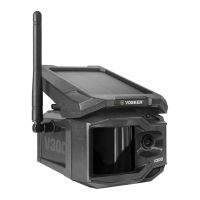
Note that the “Signal light” LEDs on a V300 might not be equal
to your other cellular devices as there are no industry standard
and practice to label dBm values to a specic number of bars.
When the light found on the top right of the camera is ashing
red “Delay light”, it is a 30-second countdown before activated.
The camera has now updated its status in the VOSKER app with
its latest information. The camera is now ready to take video
and transmit them to your VOSKER app.
The “Signal lights“ are located on the back of the camera. It
allows the user to measure the strength of the cellular signal
during installation. The “Signal light” will continuously be lit
during installation and
will appear in one of the
following patterns (from
left to right):
• Red: no signal;
• Orange: fair signal;
• Green: good signal.
OFF/ON
OFF/ON
OFF/ON


 To Next Page