39
E N G L I S H
SETUP AND FIRMWARE UPDATE
SETTINGS:
Following functions you can set the VOXOA C50 by
your requirements.
•
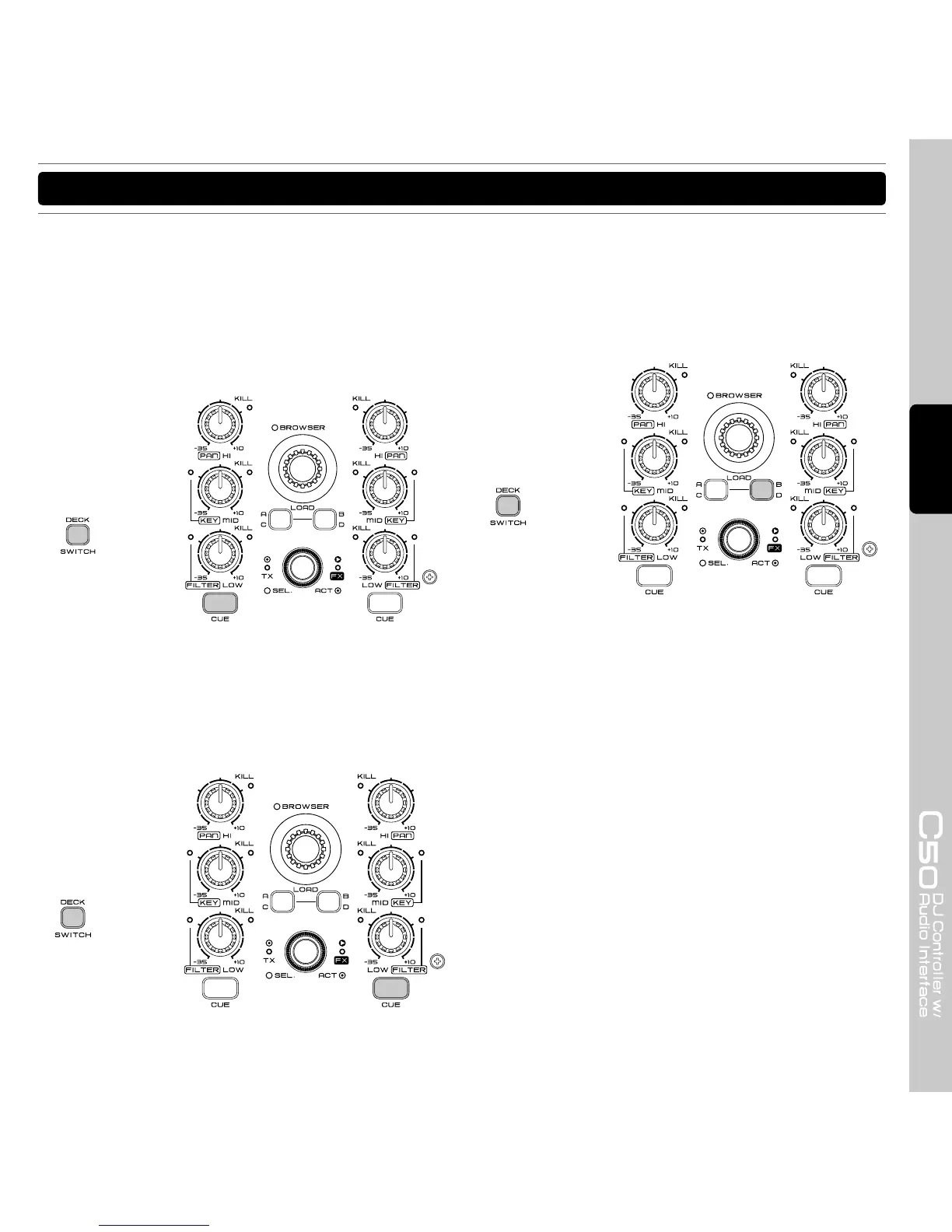
SHIFT button
You can change the SHIFT operation mode by hold
the left deck “DECK SWITCH” button for 3 seconds
and press the “Channel 1 Monitor Cue” button to
switch the mode. Default setting is “HOLD” mode.
•
Samples
Default setting is “Deck” section. You can change
the Samples setting by hold the left deck “DECK
SWITCH” button for 3 seconds and press the
“Channel 2 monitor Cue” button to switch the mode.
•
EQ KILL button
You can switch On/Off the EQ KILL function by hold
the left deck “DECK SWITCH” button for 3 seconds
and press the “Load B/D” button to switch the mode.
Default setting is “Disable” the EQ Kill function.



 To Next Page