52
E N G L I S H
SOFTWARE CONTROL FOR VIRTUALDJ
SHIFT+
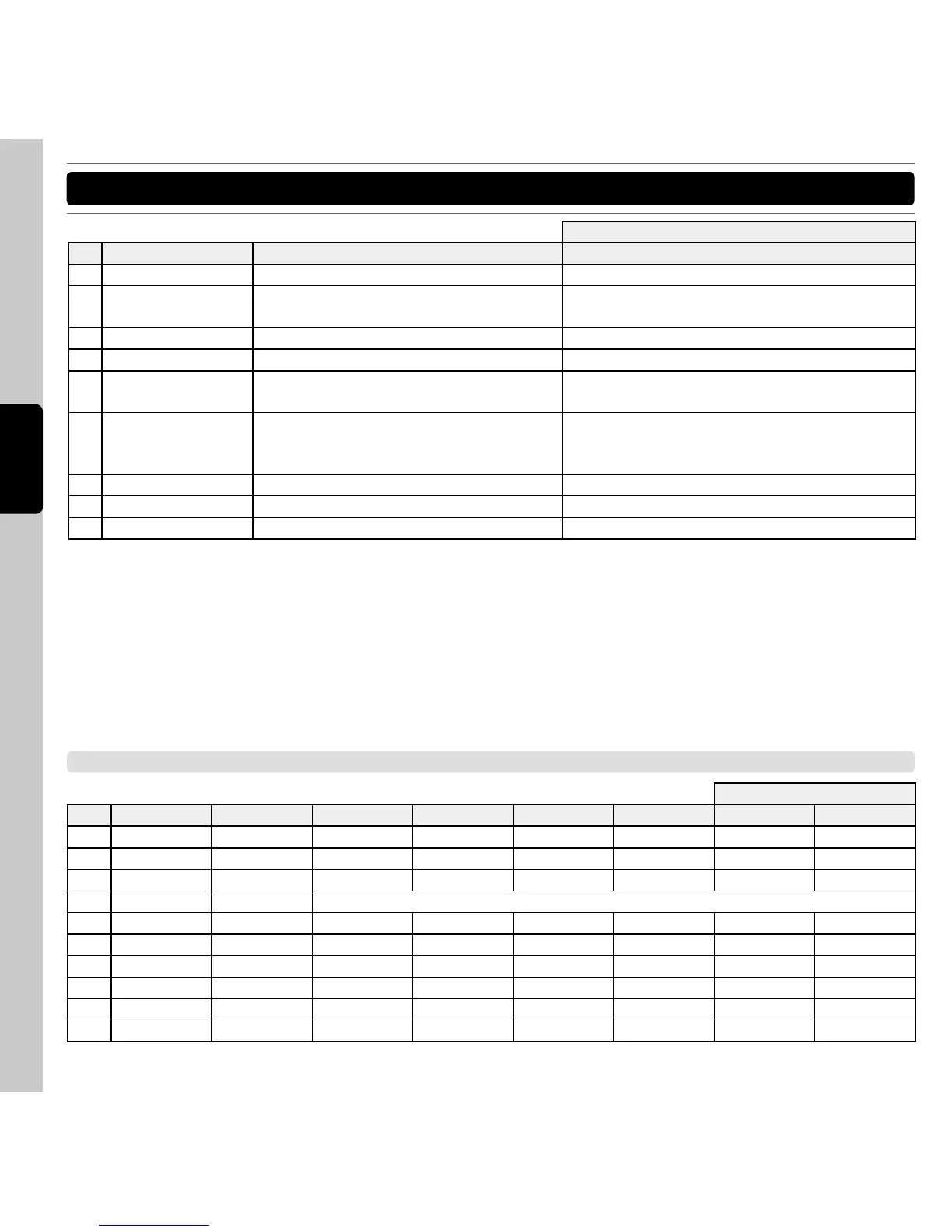
No. Items Description Description
60 TX (Transition) LED indicate the video transition is on
61 FX (Video Effect)
LED
indicate the video effect is on
62 Audio Cross Fader Crossfader
63 Video Cross Fader Set the position of the video crossfader
64 Video X-fader Active Press to active the crossfader as Video
crossfader
65 Video X-fader link Link or unlink the video crossfader to the
audio crossfader
move the video crossfader automatically
according to which side is playing, cueing,
scratching, etc…
66 Cross Fader Curve Select the curve of the crossfader
67 Cue Mixing Change the mix of the PFL
68 Cue Level Change the volume of the PFL output
MIDI MAP (HEX)
SHIFT +
No. Items Type SW Note VR CC LED Note LED CC SW Note VR CC
1 Auto Loop SW/ENC 1 1 -- -- 33 1F
2 FX1 on SW/LED 2 -- 2 -- 34 --
3 FX2 on SW/LED 3 -- 3 -- 35 --
4 Pitch Fader VR En,0xll(LSB),0xmm(MSB)
5 IN SW/LED 4 -- 4 -- 36 --
6 OUT SW/LED 5 -- 5 -- 37 --
7 Loop Active SW/LED 6 -- 6 -- 38 --
8 Delete SW/LED 7 -- 7 -- 39 --
9 Hot Cue 1 SW/LED 8 -- 8 -- 3A --
10 Hot Cue 2 SW/LED 9 -- 9 -- 3B --



 To Next Page