36
E N G L I S H
SOFTWARE INSTALLATION INSTRUCTION
MAC SYSTEM REQUIREMENTS
•
Minimum system requirements:
-Intel® processor
-Mac OS X v10.5.x
-1024x768 resolution
-CoreAudio compatible soundcard
-1024MB RAM
-50MB free on the hard drive
•
RECOMENDED system requirements:
-Intel® processor
-Mac OS X v10.6.x
-1440x900 resolution
-Multi-channel CoreAudio compatible soundcard
-2048MB (2Gb) RAM
-200MB free on the hard drive
•
Additional requirements for video mixing:
-ATI™ or NVIDIA® video chipset w/256MB of
Dedicated DDR3 RAM
-Video must support dual-screen output
•
Supported Operating System and Processor Platforms:
-MINIMUM: Mac OS X v10.5 Leapord on Intel
processor platform
-RECOMMENDED: Mac OS X v10.6.x Snow Leapord
on Intel processor platform
-Apple® Mac OS X 10.4.x Tiger or older are not
supported
-Motorola® (PowerBook® G4) processor platform or
older are not supported.
INSTALLATION:
Step 1: I
nsert the included installer disc to your
computer.
Step 2:Double click “install_virtualdj_le.exe” to execute
the installer
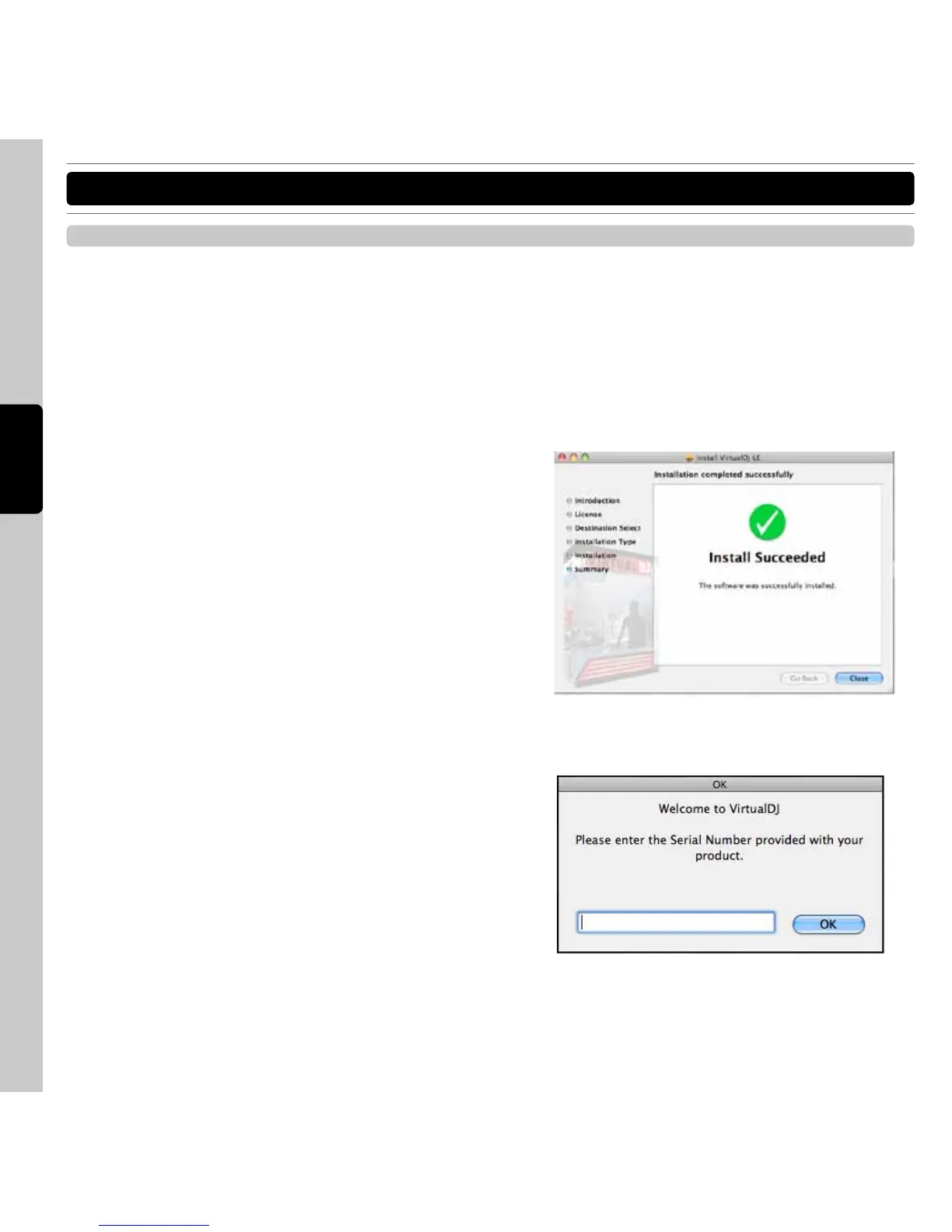
Step 3:Follow each step in the installation screen for
installation.
Step 4: When the installation completes, click the
“Close” button to close the installation screen.
Step 5: The Serial Number is required when first starting
VirtualDJ. The serial number for VirtualDJ is
printed on bottom panel of C50.
Note: The serial number is printed on the back of the
CD-ROM case.
INSTALLING VIRTUALDJ FOR MAC OS



 To Next Page