41
E N G L I S H
AUDIO SETUP
LINE INPUTS MODE
VirtualDJ can also be configured to pass the line inputs
of the sound card through software interface. As
depicted in the below images, the sound configuration
being used is with the Inputs set to the LINE-INs option.
Then by assigning the VDJScript action “linein” to an
available deck, the audio sent in on the line input will
pass through VirtualDJ providing a rhythm wave display
and dynamic BPM display on the deck.
The appropriate VDJScript syntax is “deck # linein #” –
replacing the # symbols with the appropriate deck and
line numbers. The example below is using a 6 deck
skin and assigning decks 5 and 6 to line inputs 1 and 2
respectively.
DVS MODE (with Timecode Vinyl or CDs)
Timecode setup can be used with either the External
Mixer option. To setup VirtualDJ for use with Timecode
Vinyl or CDs, change the Inputs option to Timecode.
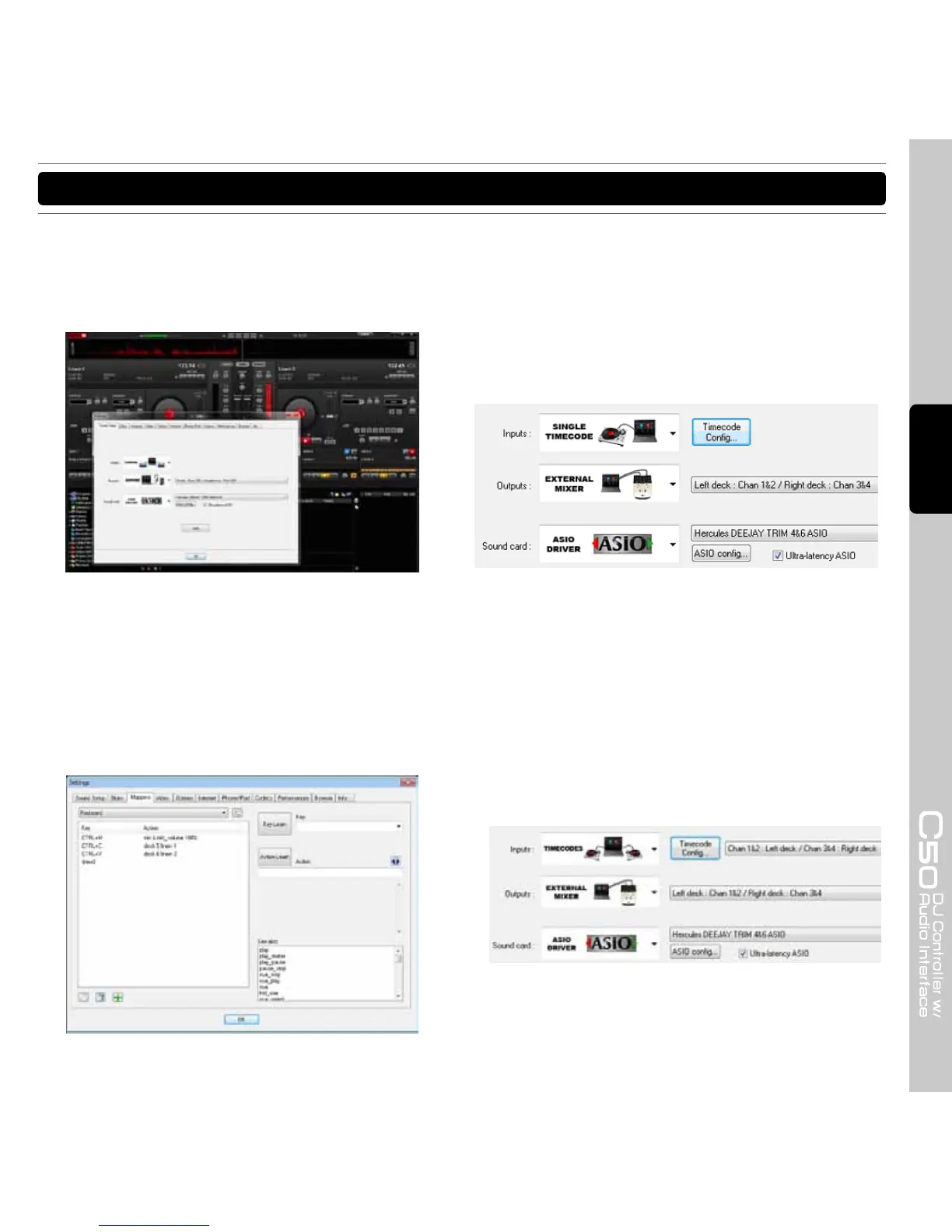
TIMECODE (Single Deck) CONFIGURATION
For use with a single timecode source, chose the Single
Timecode option from the Input drop-down.
TIMECODE (Dual Deck) CONFIGURATION
For use with 2 Timecode input sources, choose the
Timecodes option from the Input drop-down.
Just like in changing the outputs around if the
connections to the input sources are incorrectly
connected, you can choose to reverse the settings from
the input drop-down from Chan 1&2: Left Deck / Chan
3&4: Right Deck to Chan 1&2: Right Deck / Chan 3&4:
Left Deck.



 To Next Page