58
ENGLISH
PART NAMES AND FUNCTIONS
7. BMP SYNC button
Press this button to automatically synchronize the tempo (BPM) to the other deck based on
BPM counter or manual BPM.
Caution: 1. BPM SYNC function only active under both decks BPM are displayed.
2. The BPM difference of two deck must under 16%.
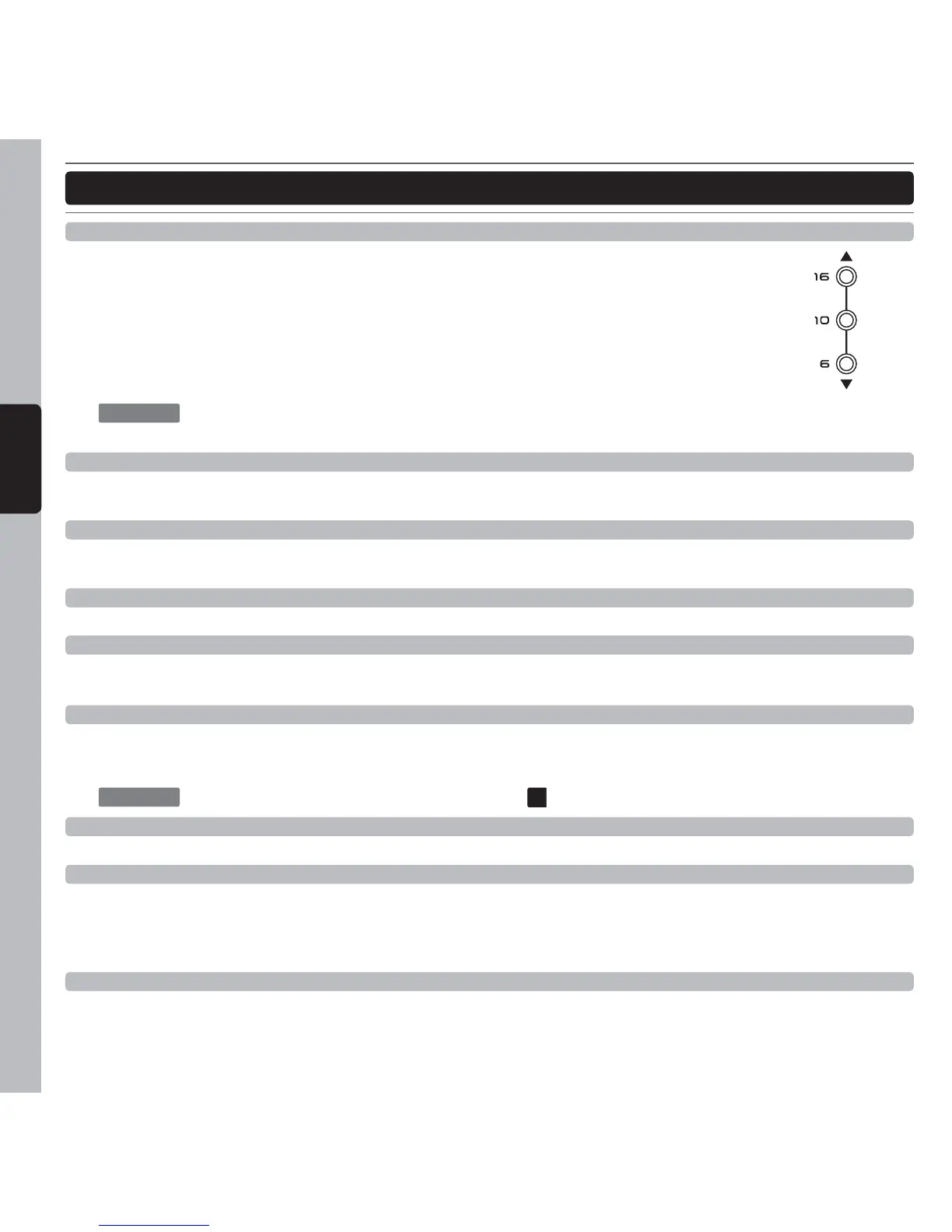
TEMPO indicator
When the upper or lower indicator is flashing the BPM SYNC function is active. The lower
indicator represents current BPM is faster than original BPM. The upper indicator represents
current BPM is slower than original BPM.
CAUTION
: When the BPM SYNC function is active, operations with the Pitch slider are
disable.
8. Tempo Control Range Selector button
Each time this button is pressed, the tempo adjust slider’s variable range alternates between ±6%, ±10%,
±16%, and -100%.
9. Key Lock button
This function allows the tempo or BPM of the music to be altered without affecting the musical key. While this
button is illuminated, the key will be locked at zero.
10. Tempo Adjust slider
This slider is used to adjust the playback pitch percentage.
11. Pitch Bend +/- button
The desired pitch decrease or increase when button is pressing and returns to the original pitch when the button
is released.
12. Active Slip mode
When turned on, normal playback continues in the background with the original rhythm during scratch play, auto
beat loop and loop roll playback. When scratch play or loop roll play is canceled, normal playback resumes
from the position playing in the background at that time.
CAUTION
: Under Slip mode the “AUTO CUE SCRATCH”
28
is disable.
13. Play/Pause button
Each press of the button to change from play to pause or from pause to play
14. Cue button
A Cue Point is self-defi ned starting point, usually at the beginning of a beat. Pressing the CUE button during
playback immediately pause playback and returns the tracks to the last set cue point. By pressing and holding
the CUE button you will return to play mode until you release the button again. The player will then returns to the
cue point and go into pause mode.
15. Tap/Auto BPM button
Tap along with the music to enter manual BPM values for use with FX & AUTO LOOP. This is generally used to
manually calculate BPMs when the AUTO BPM function is unable to lock onto a consistent beat. You must tap
at least four times in order for a calculation to occur, and the calculation will only be as accurate as your tapping.



 To Next Page